


Gate Pay加盟店ダッシュボードは、取引管理、入金・資金管理、承認ワークフロー、開発者ツール、決済通貨設定、ギフトカード管理などを網羅した包括的なツール群を提供します。また、ロールベースの権限管理、クライアント管理、チェックアウトページのカスタマイズもサポートし、加盟店が効率的に業務を運営・監視できるよう支援します。
(加盟店ダッシュボードリンク:https://www.gate.com/merchant#/get-started)
チェックアウトホームページ
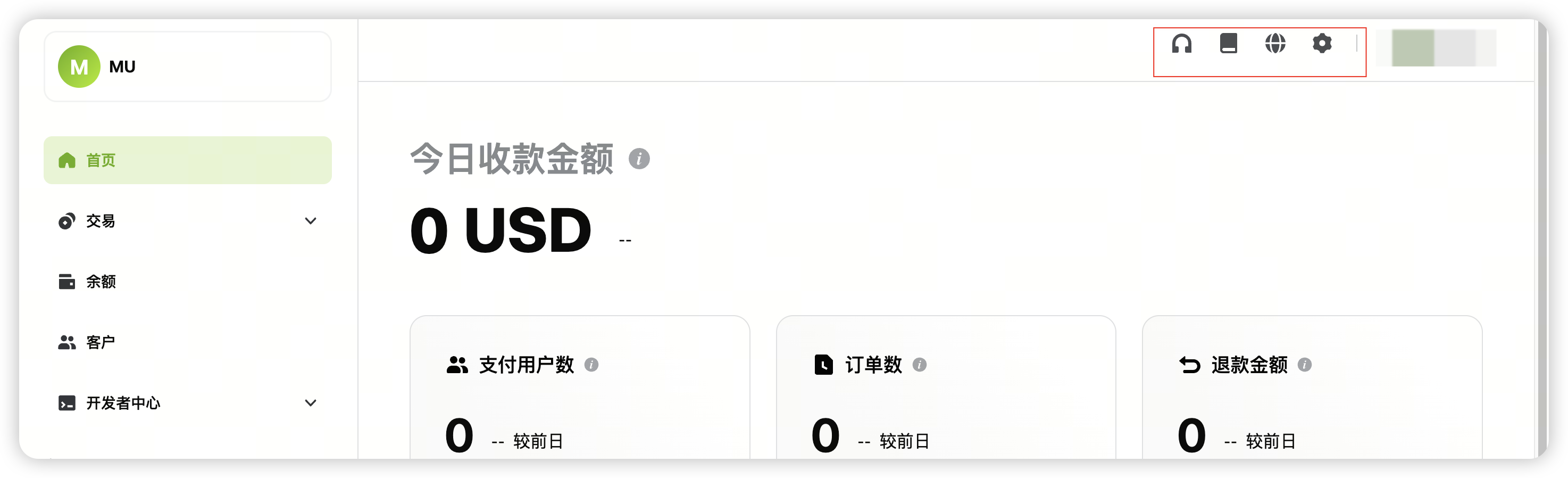
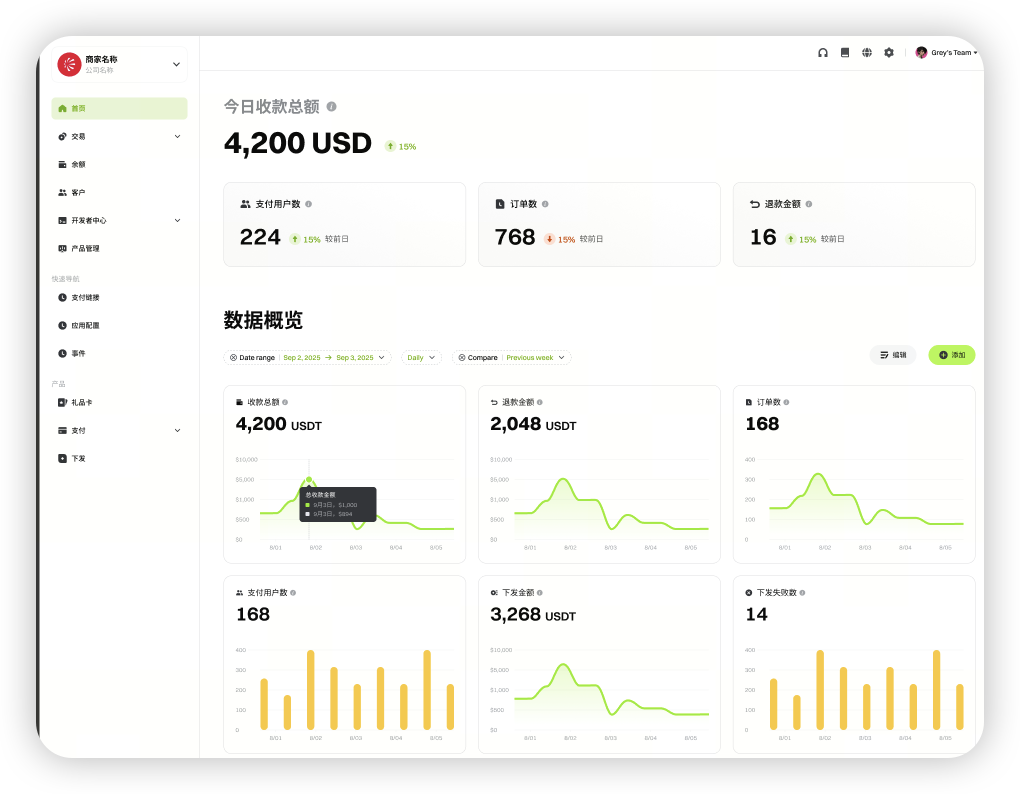
ホームページでは、右上のアイコンから主要ショートカットにアクセスできます:カスタマーサポート、ヘルプセンター、言語切替、設定センターです。
-
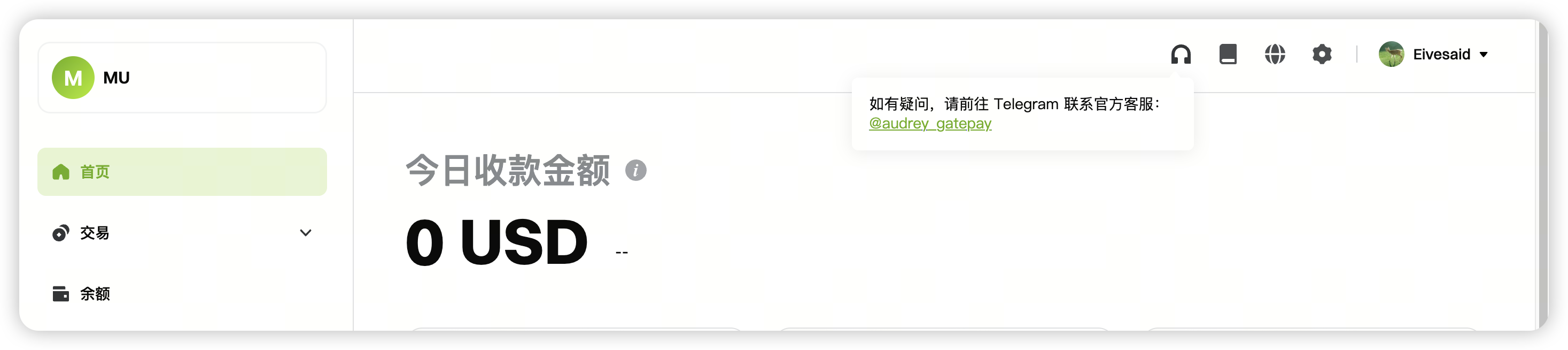
カスタマーサポート(TG: @audrey_gatepay)
-
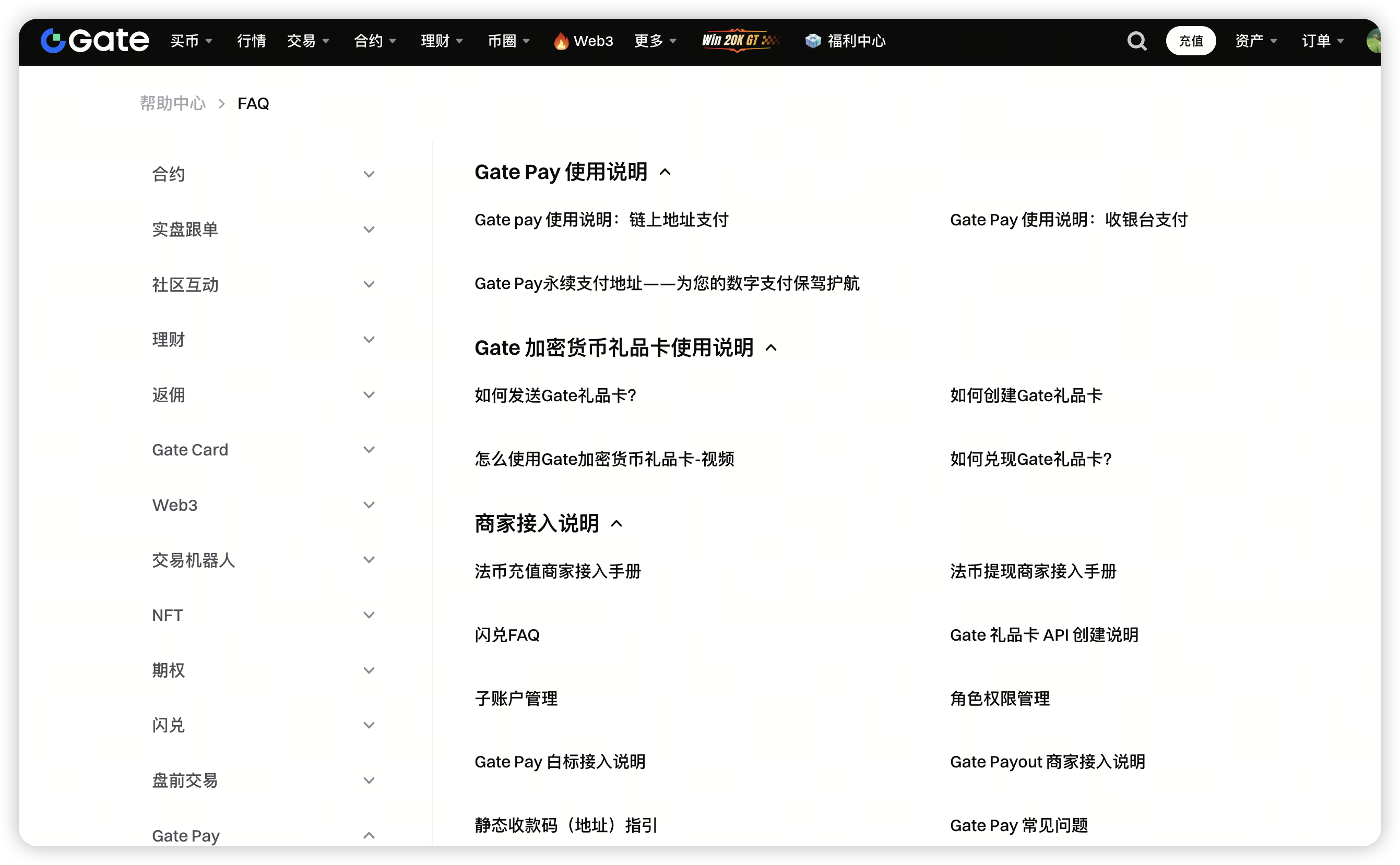
ヘルプセンター
-
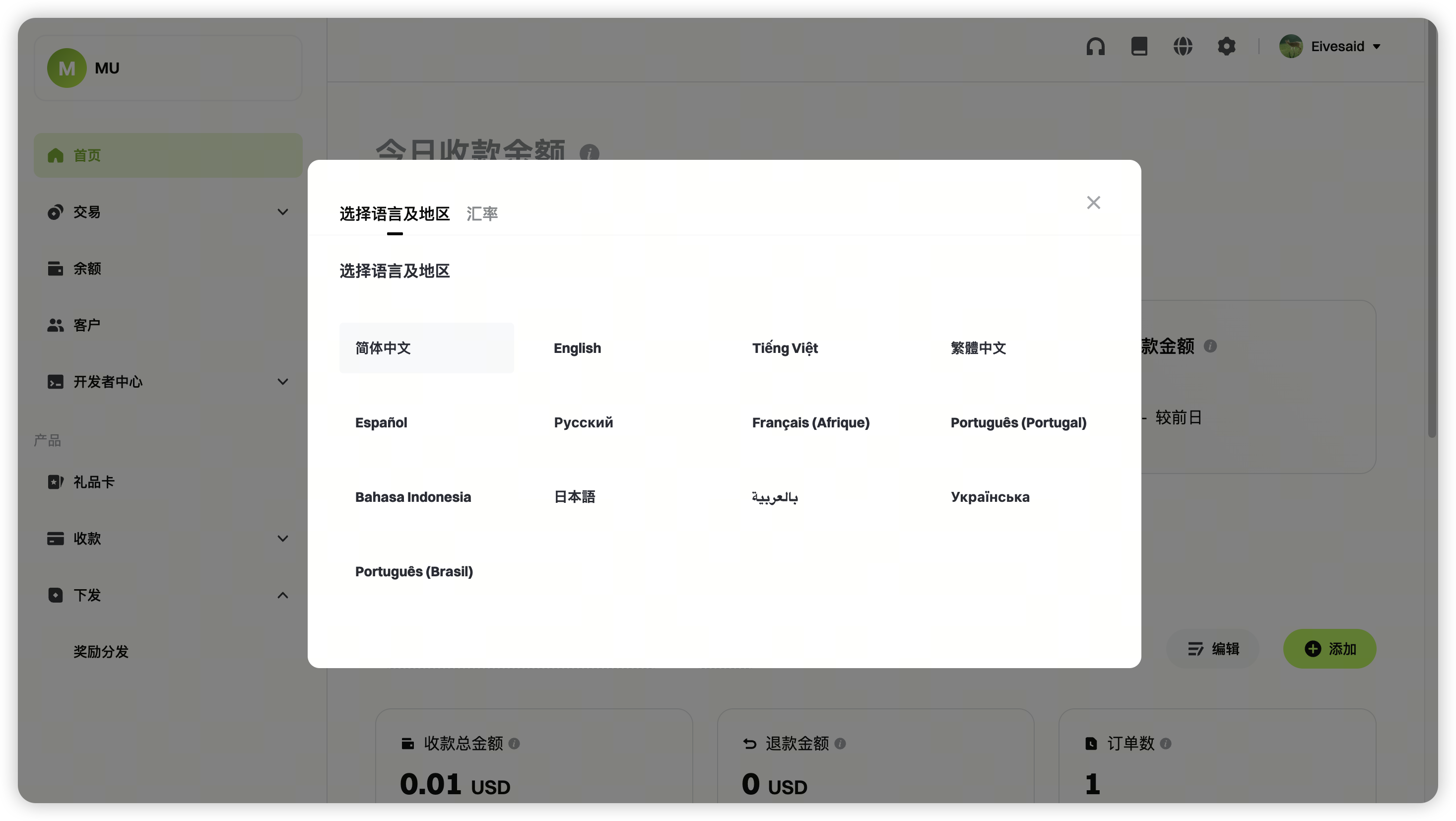
言語切替
-
設定センター:加盟店プロフィールおよびブランドアセットを設定します。
ホワイトラベルチェックアウトのカスタマイズについては、マニュアルの第4節を参照してください。
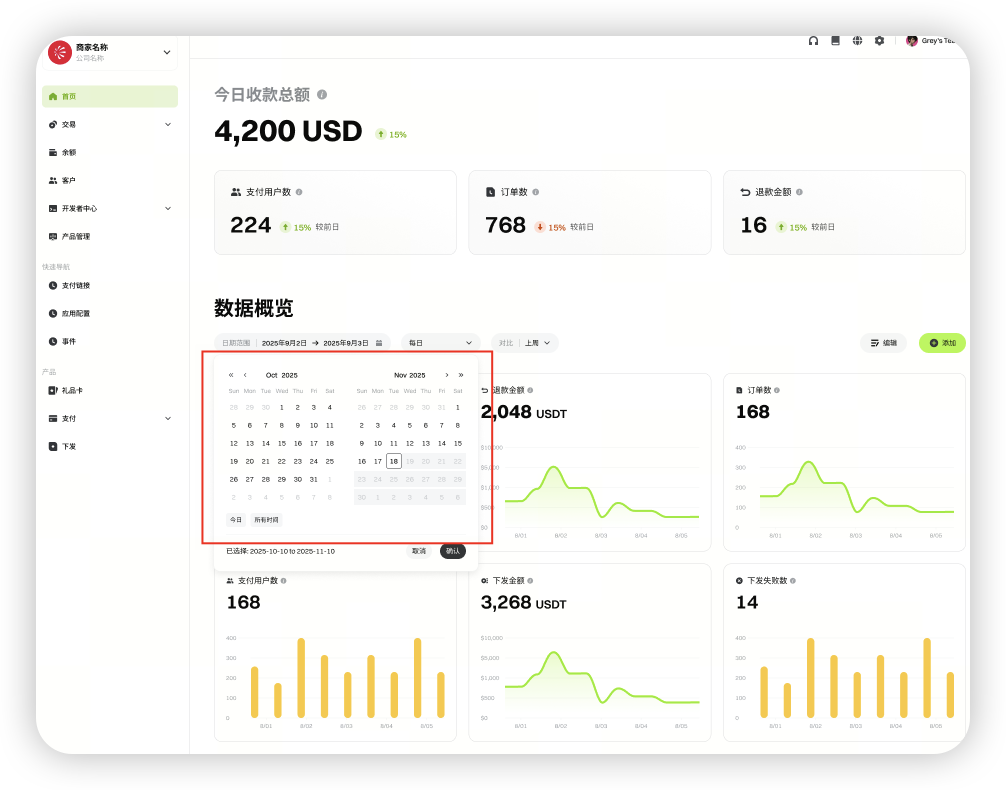
加盟店は、総収益、総返金、取引件数、支払いユーザー数を確認できます。カスタム期間や通貨フィルターも利用可能です。
-
カスタム期間設定
-
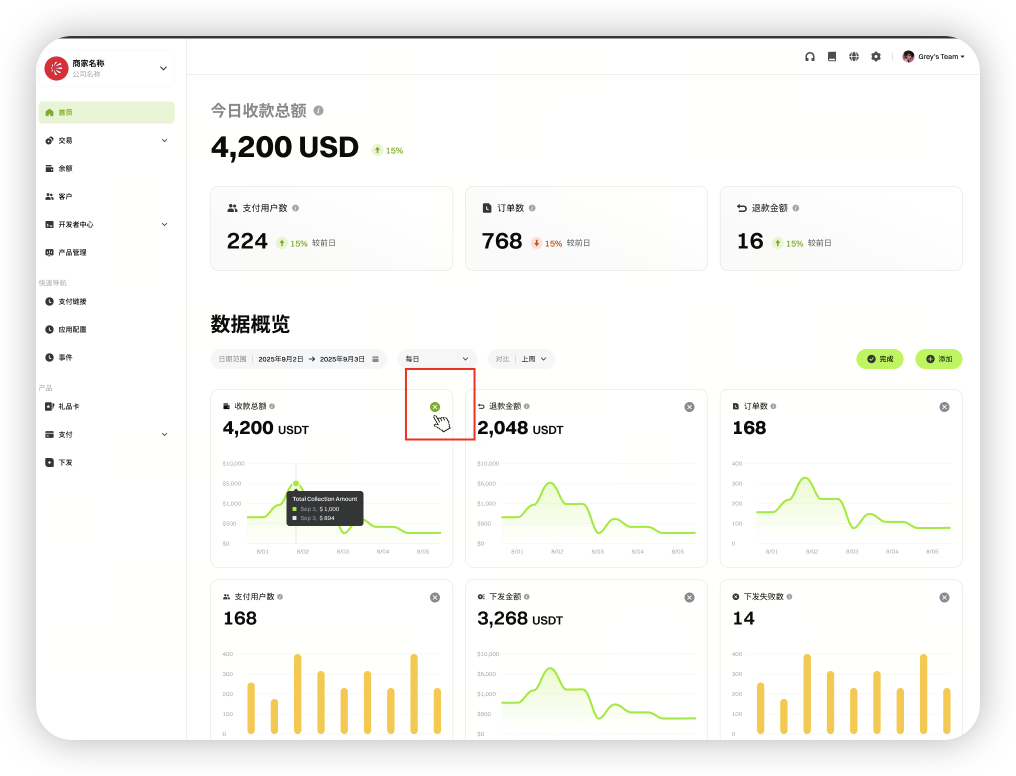
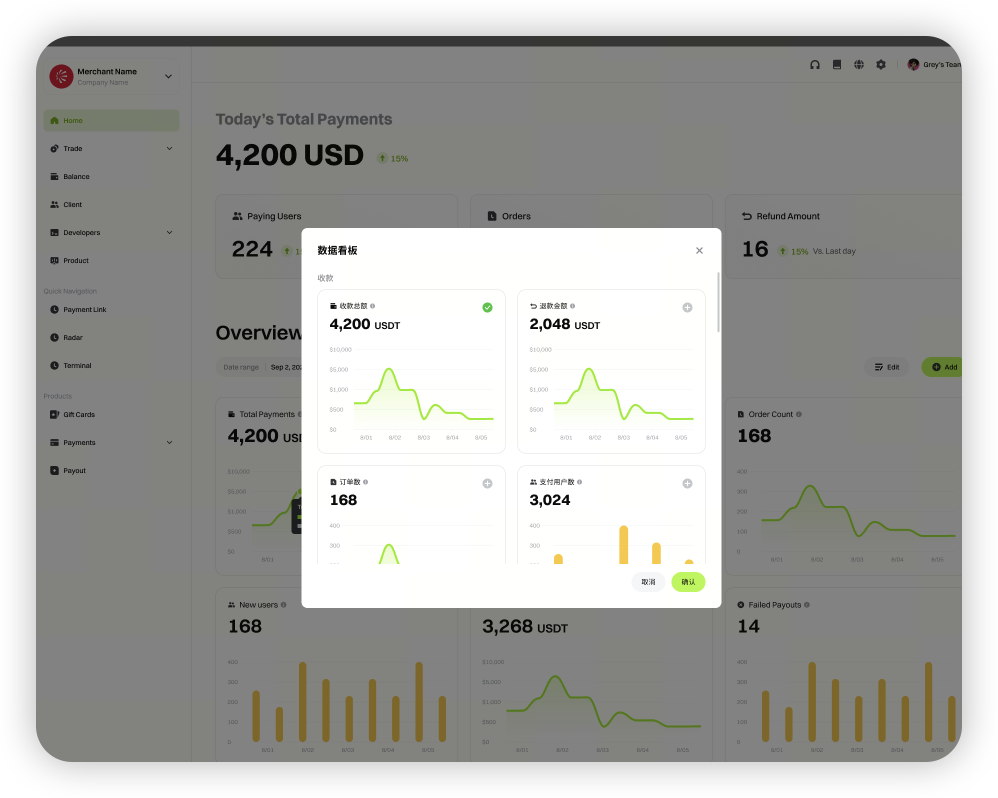
カスタムダッシュボード
取引
取引モジュールは「受取(Receive)」と「支払(Payout)」で構成されます。加盟店は入金注文、出金注文、コンバート、返金の詳細を確認したり、特定の注文を検索できます。
受取
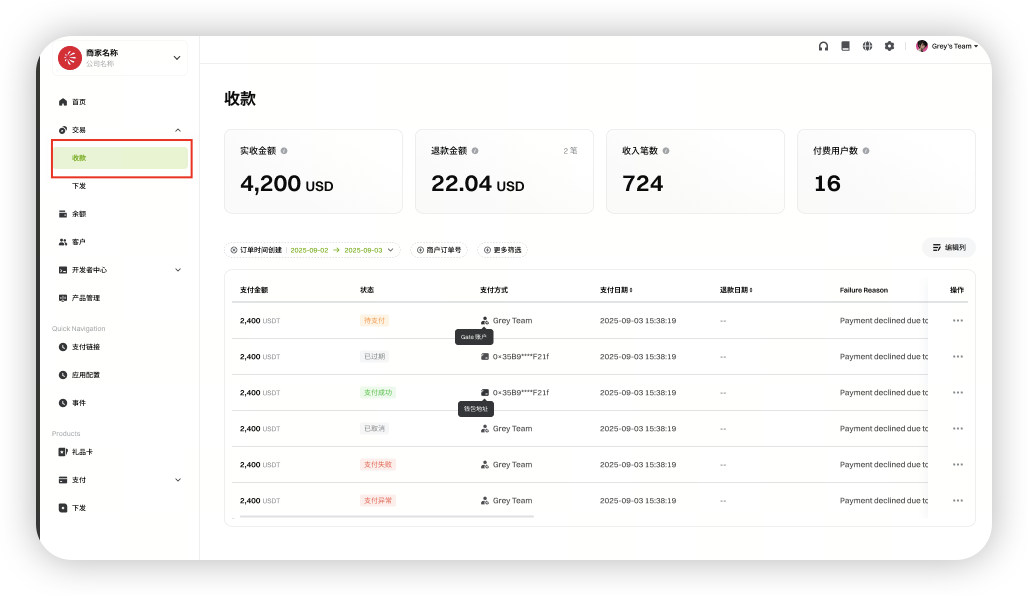
支払金額、注文状況、決済方法、支払日時など、入金注文の詳細を確認できます。
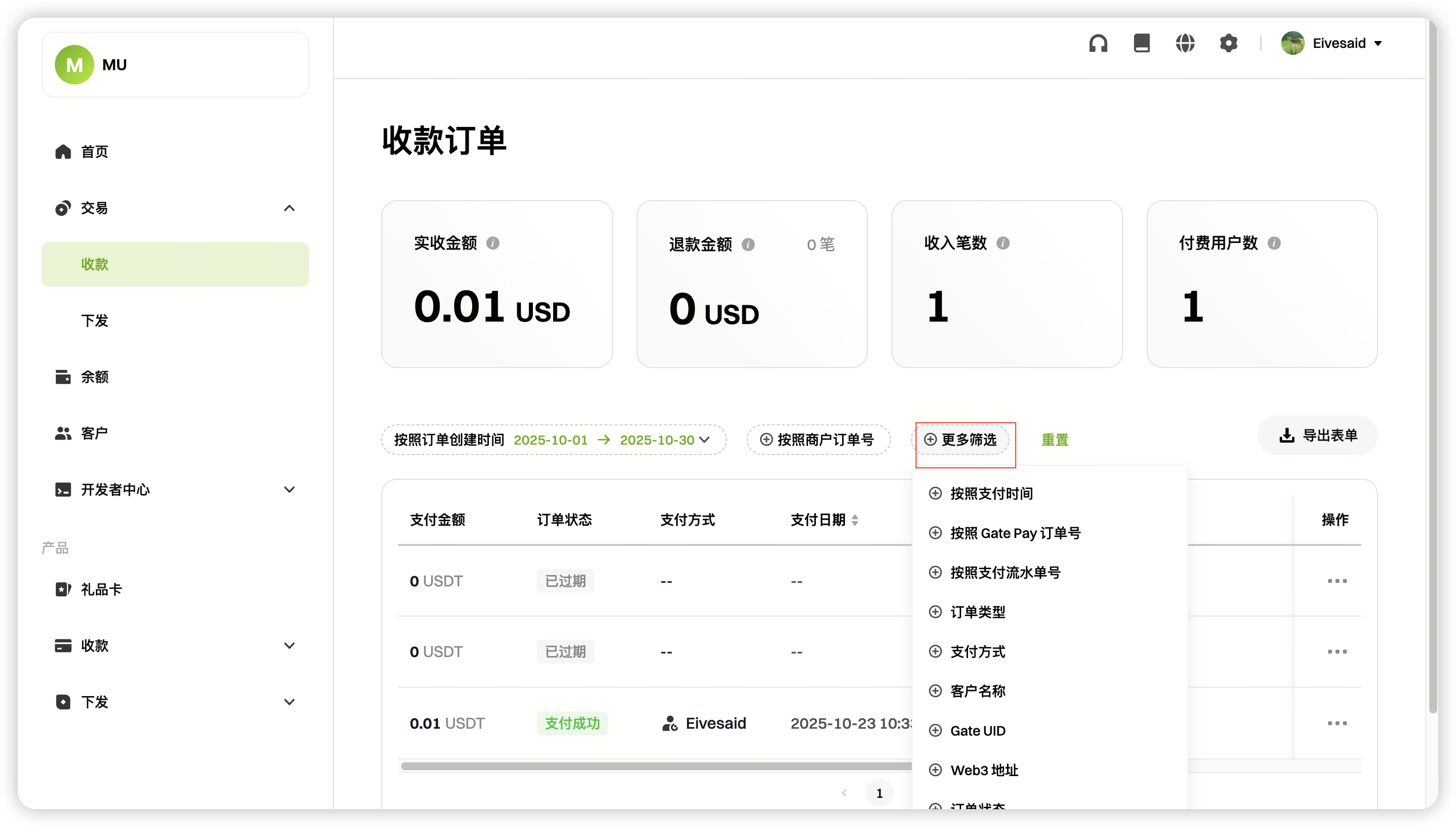
高度なフィルター:カスタム条件で検索が可能です。
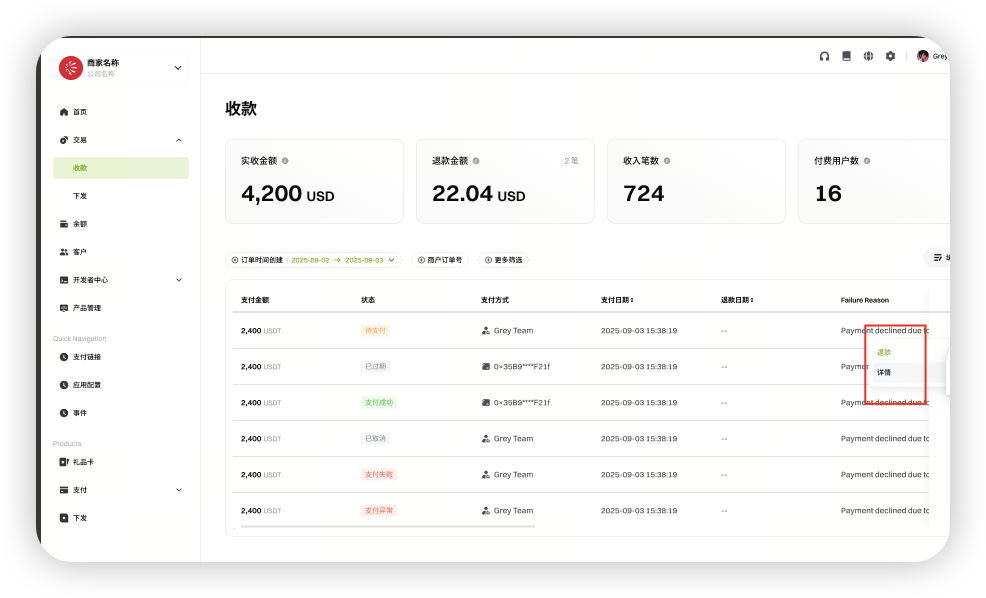
返金:返金を手動で開始できます(詳細は返金ドキュメントを参照)。
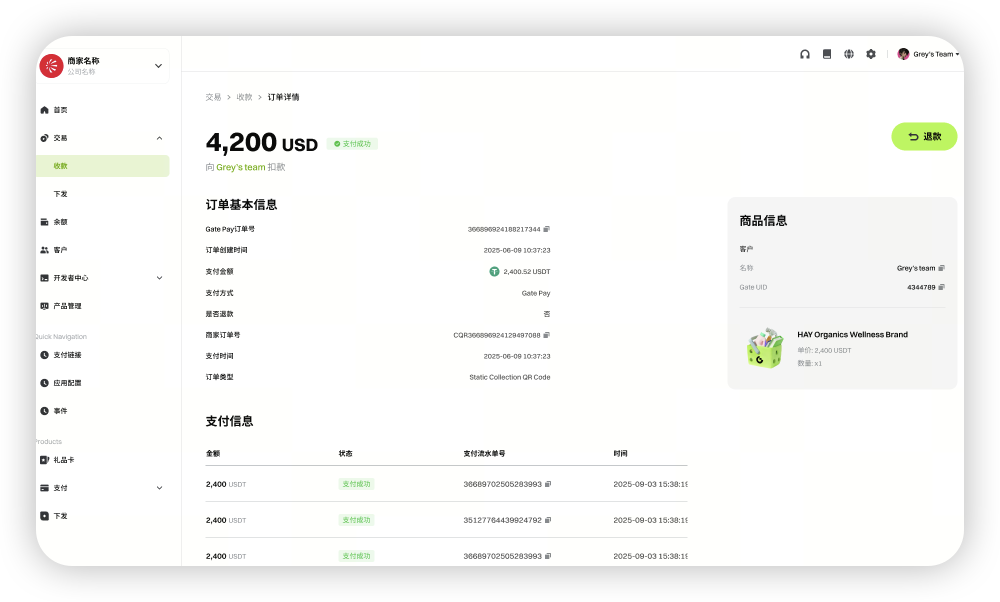
注文詳細:個別注文の全情報を閲覧できます。
支払
支払金額、ステータス、受取人、支払日時などの出金注文の詳細を確認できます。
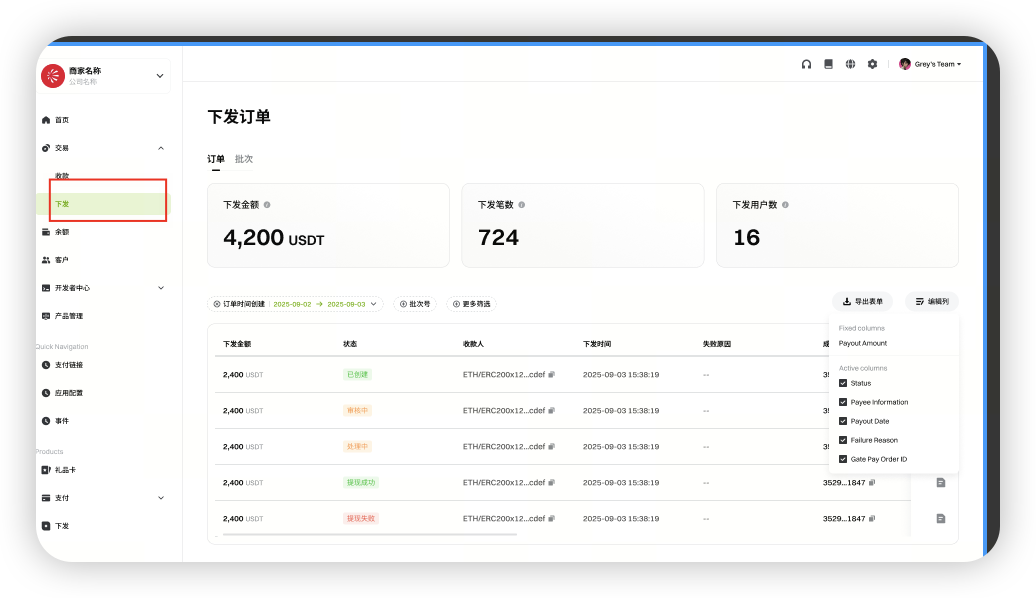
-
注文詳細
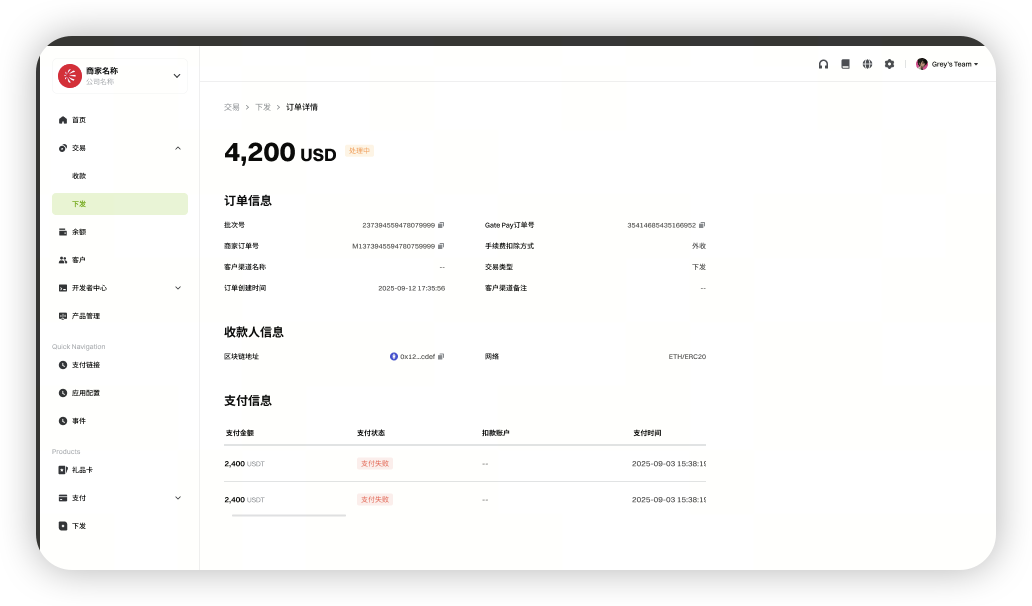 バッチ:一括支払記録を表示します。
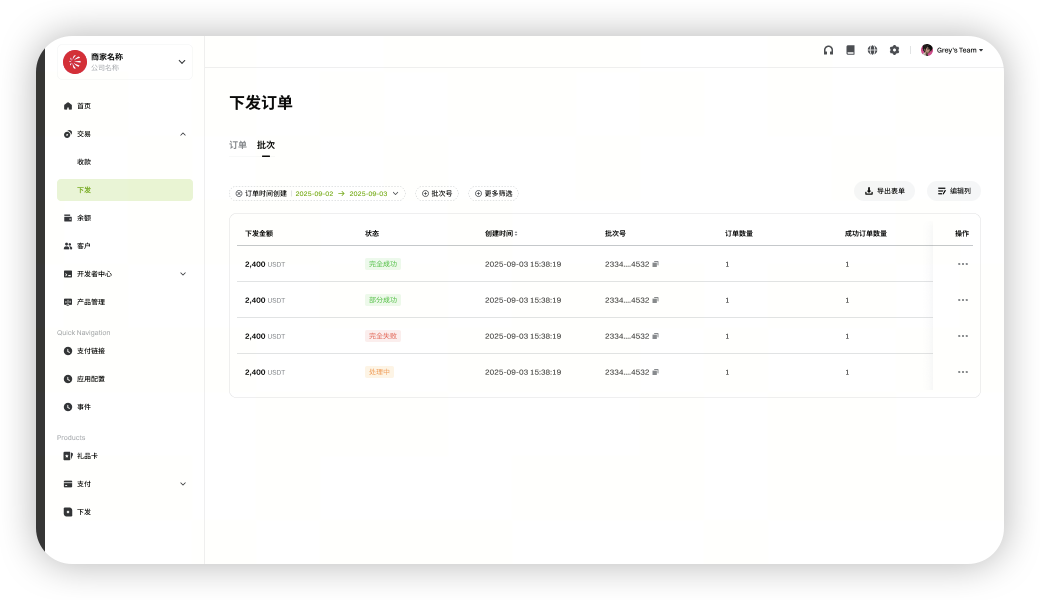
-
バッチ詳細
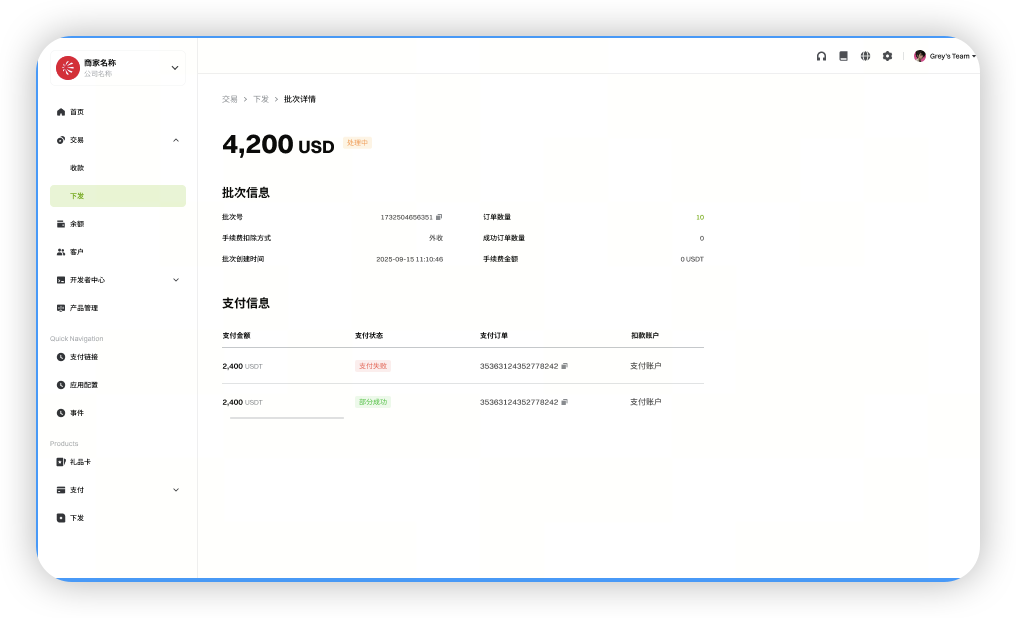
残高
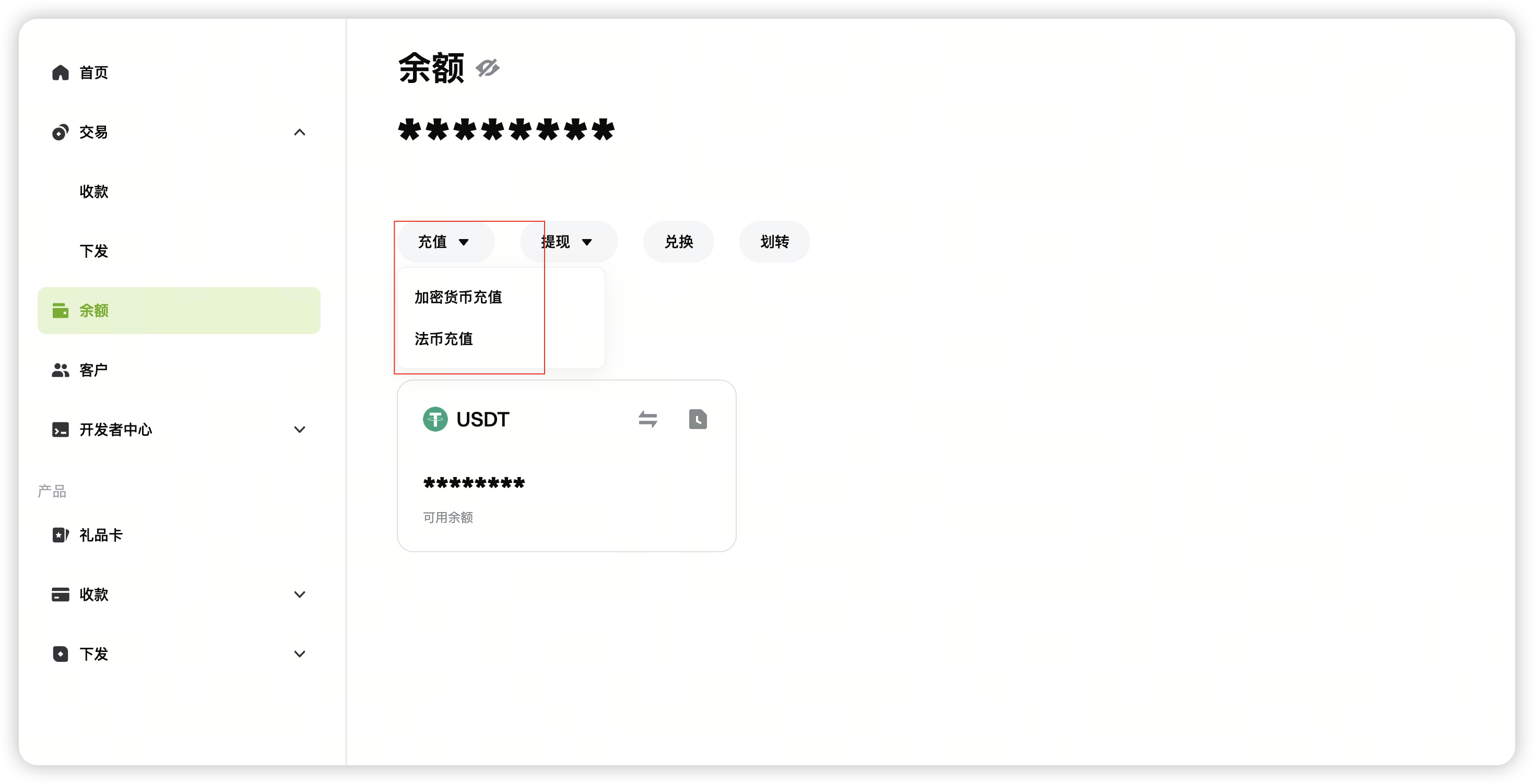
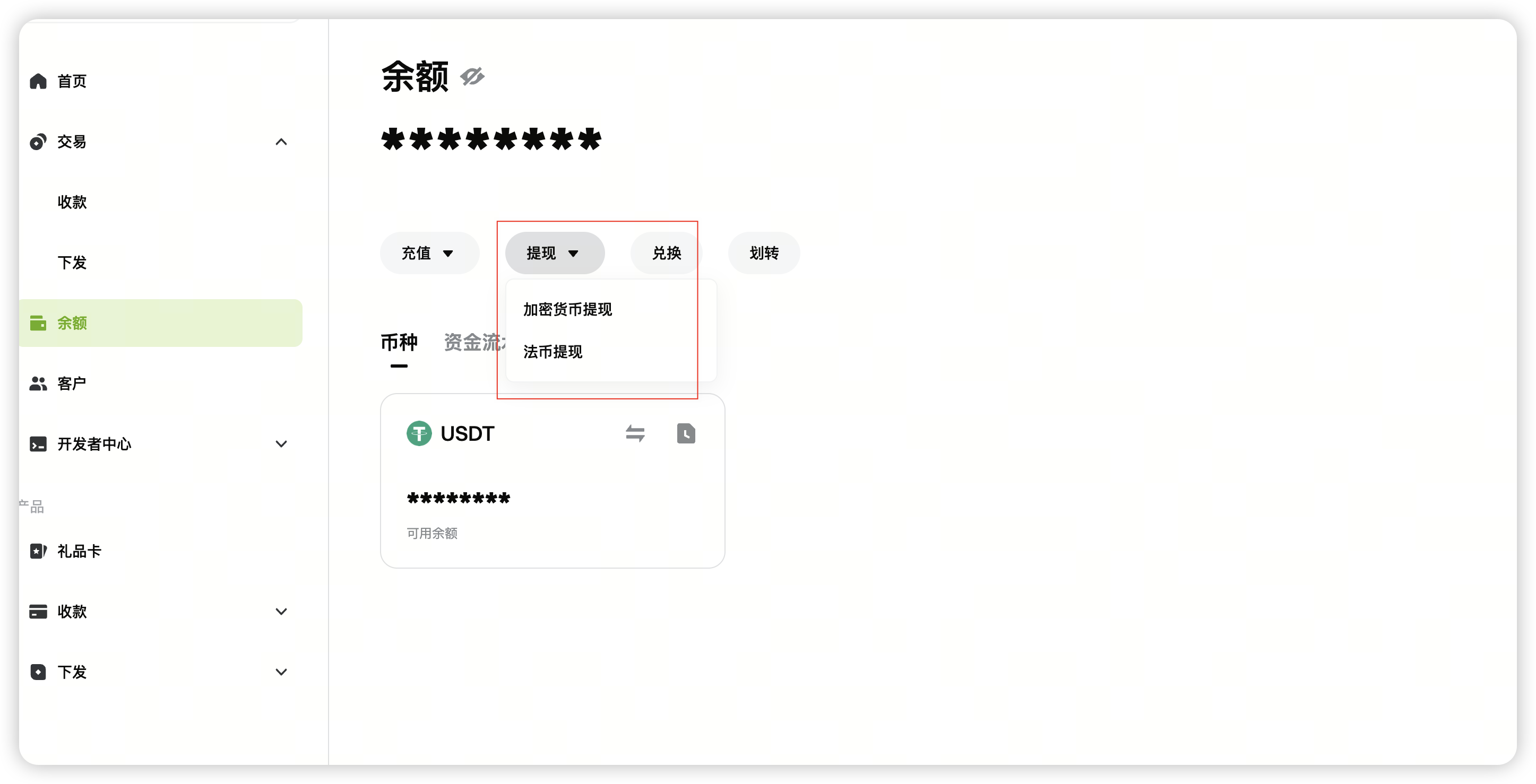
残高ページでは、アカウント残高を確認し、入金、出金、コンバート、送金操作を行えます。
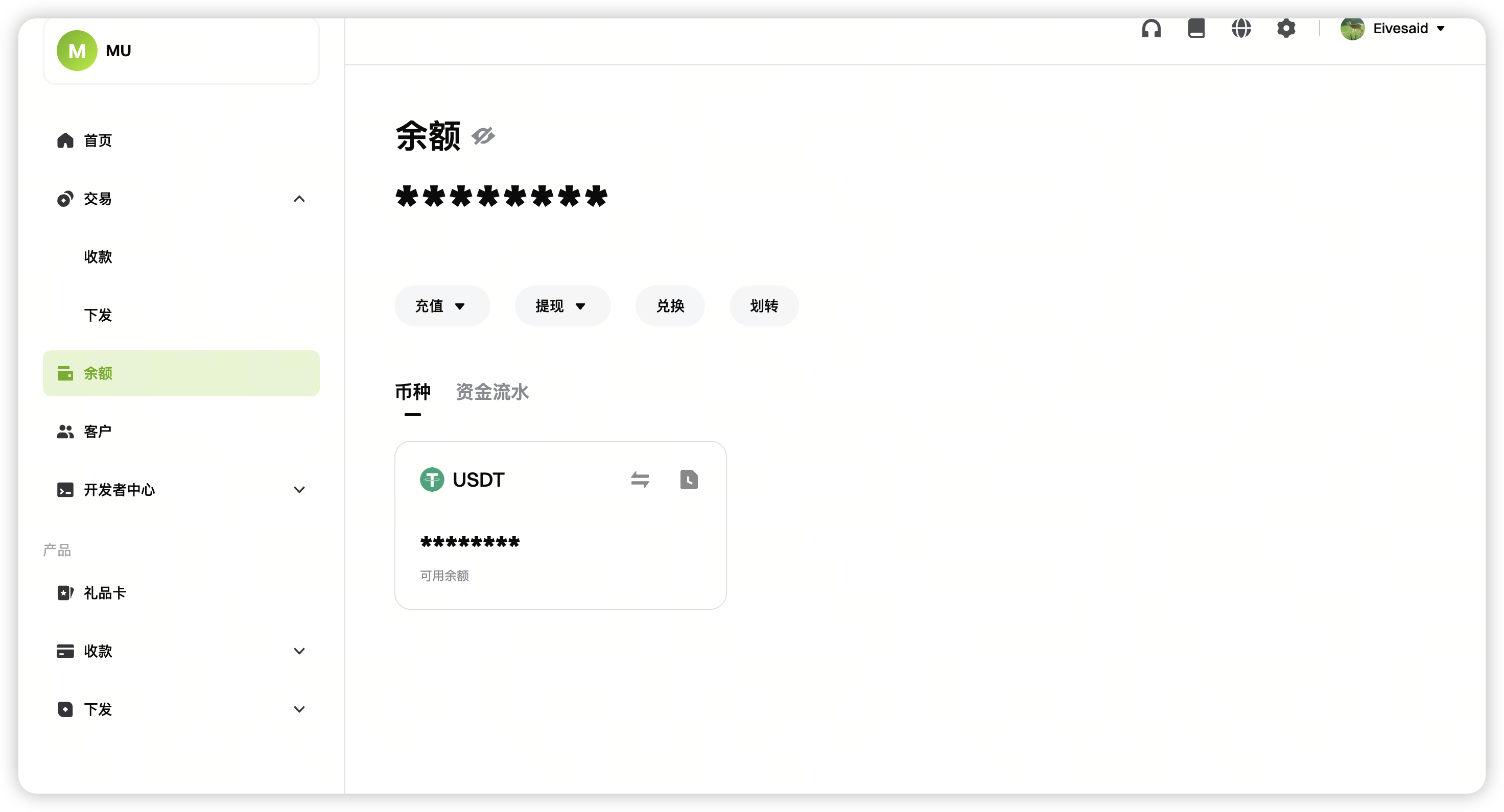
入金
暗号資産および法定通貨の入金をサポートしています。
出金
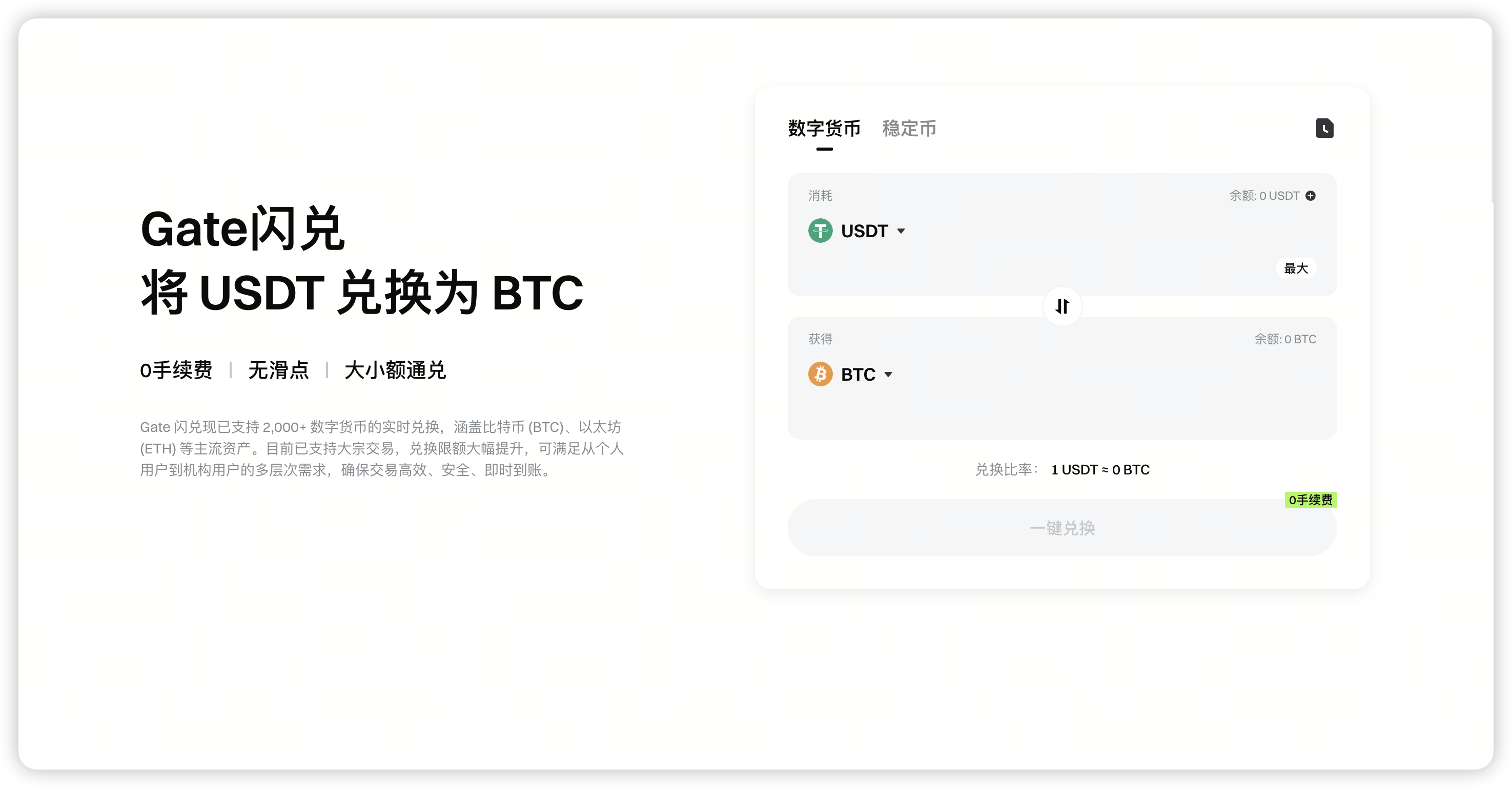
即時スワップ
加盟店はGate 即時スワップインターフェースを使用して資産を変換できます。
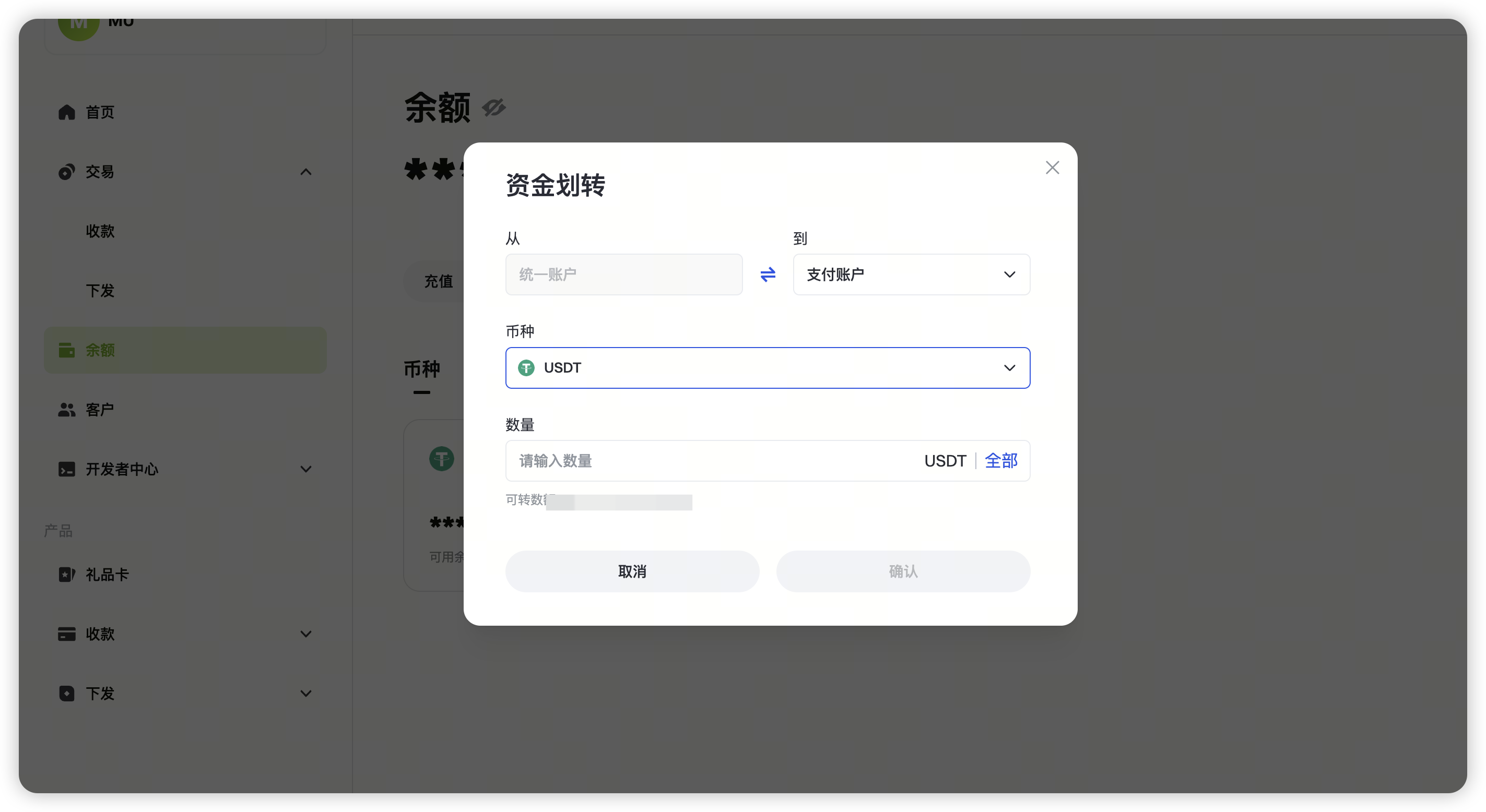
送金
クライアント
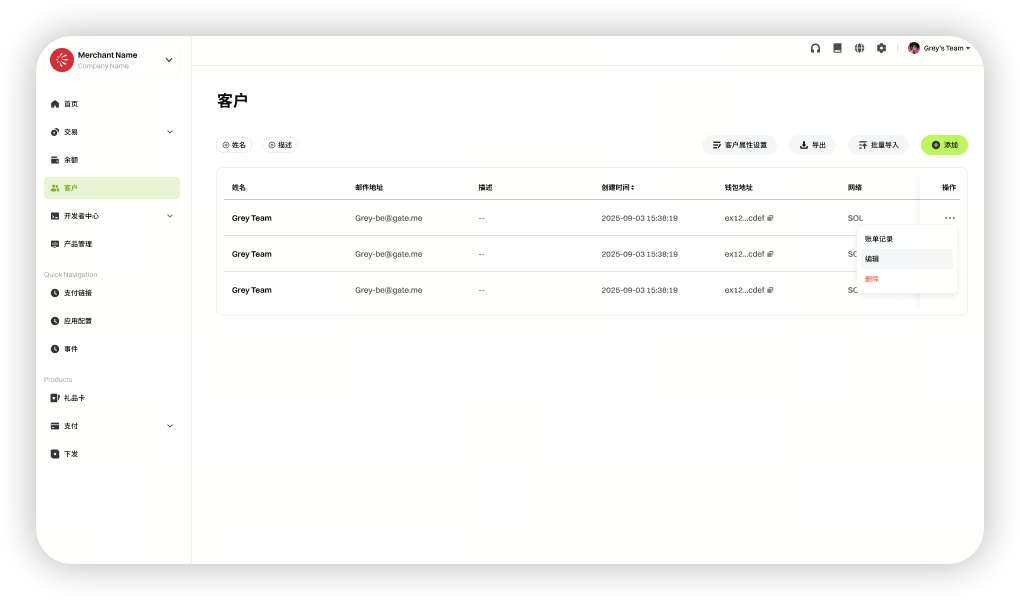
加盟店はクライアント情報の追加、削除、編集、および取引履歴の閲覧が可能です。
開発者
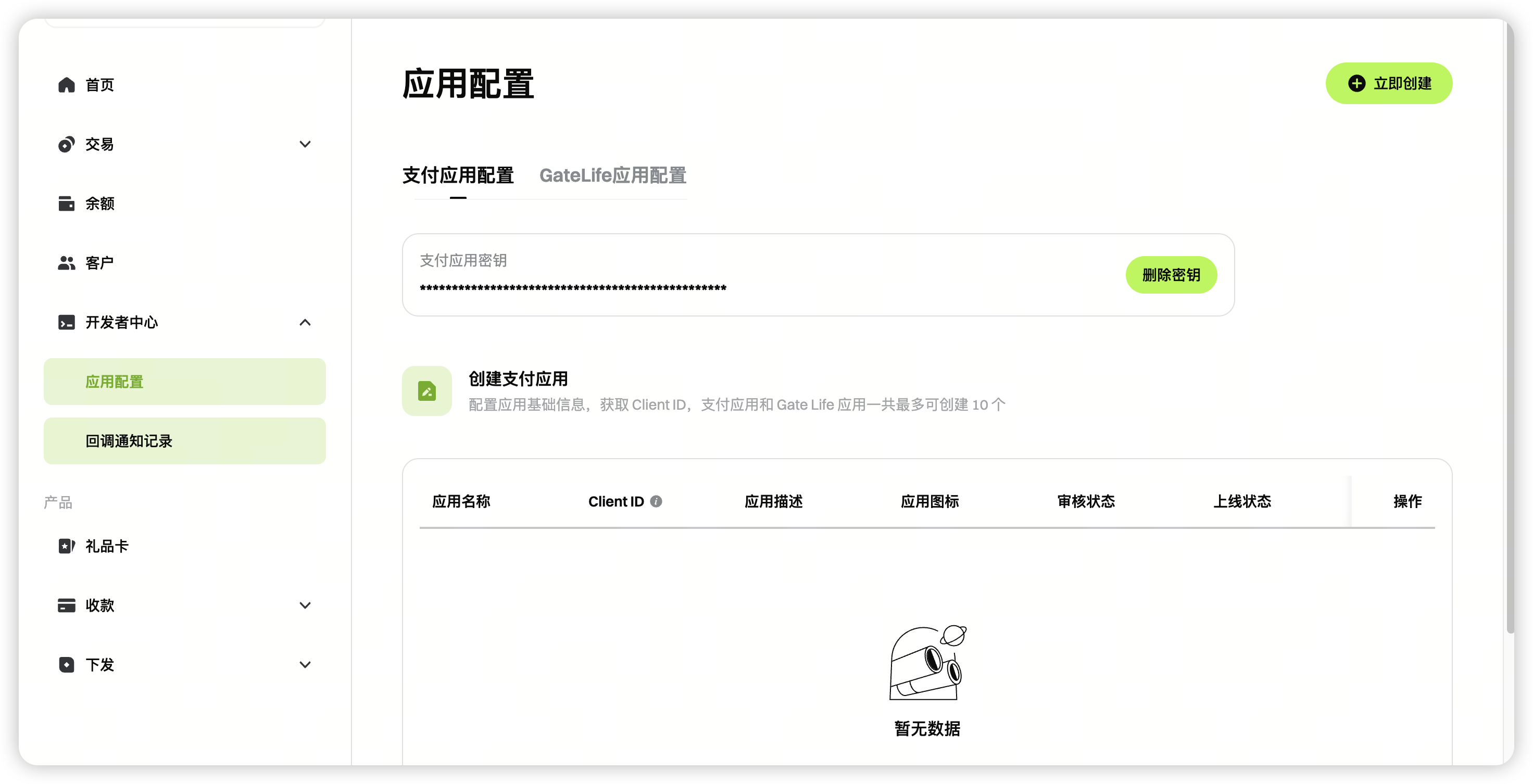
加盟店はアプリケーション設定を行い、API連携用のコールバック記録を確認できます。
アプリ設定
詳細な設定手順については、統合ガイド(ステップ3)を参照してください。
コールバック通知記録
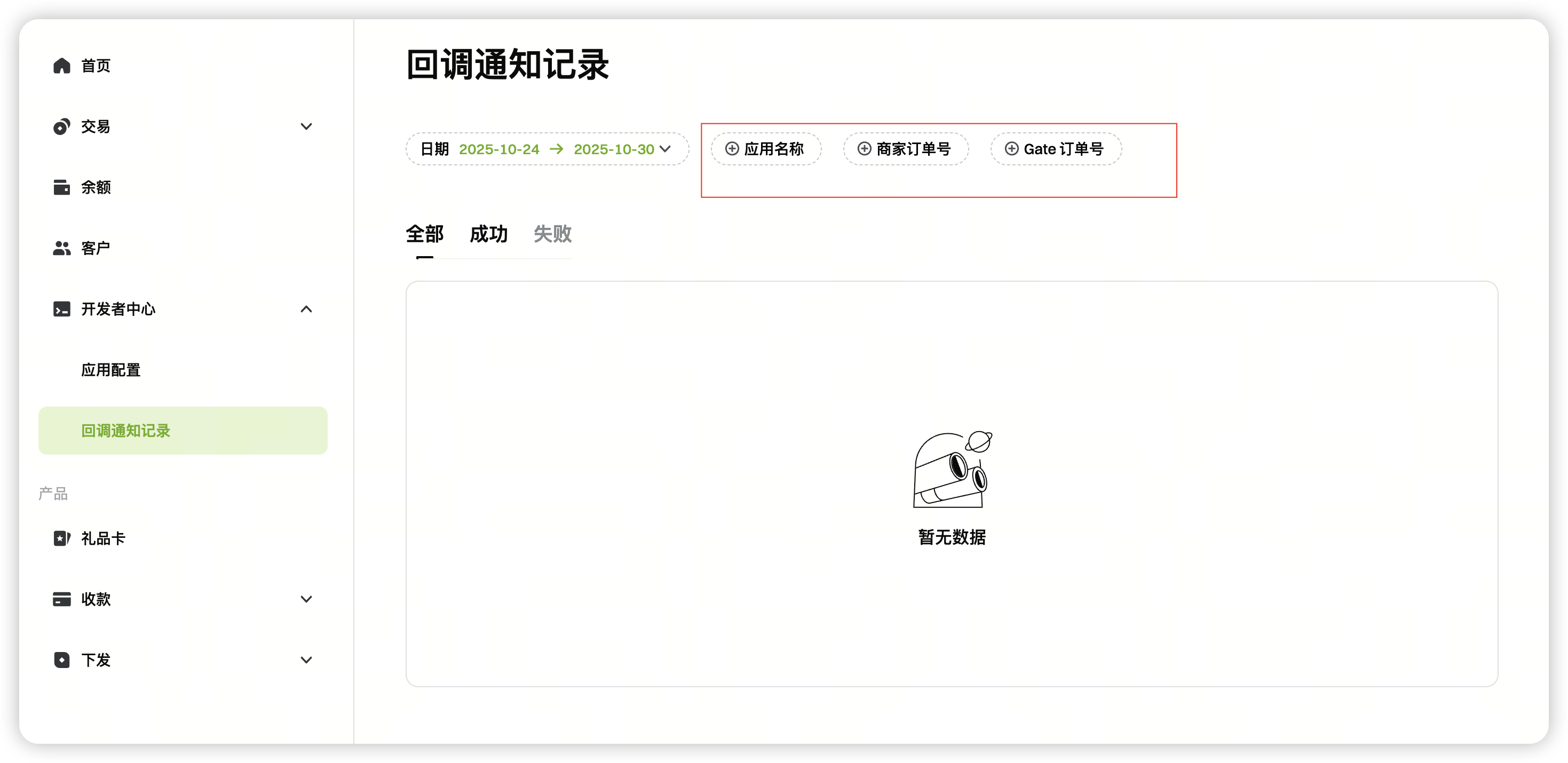
アプリ名、加盟店注文ID、Gate注文IDを使用してコールバックログを検索できます。
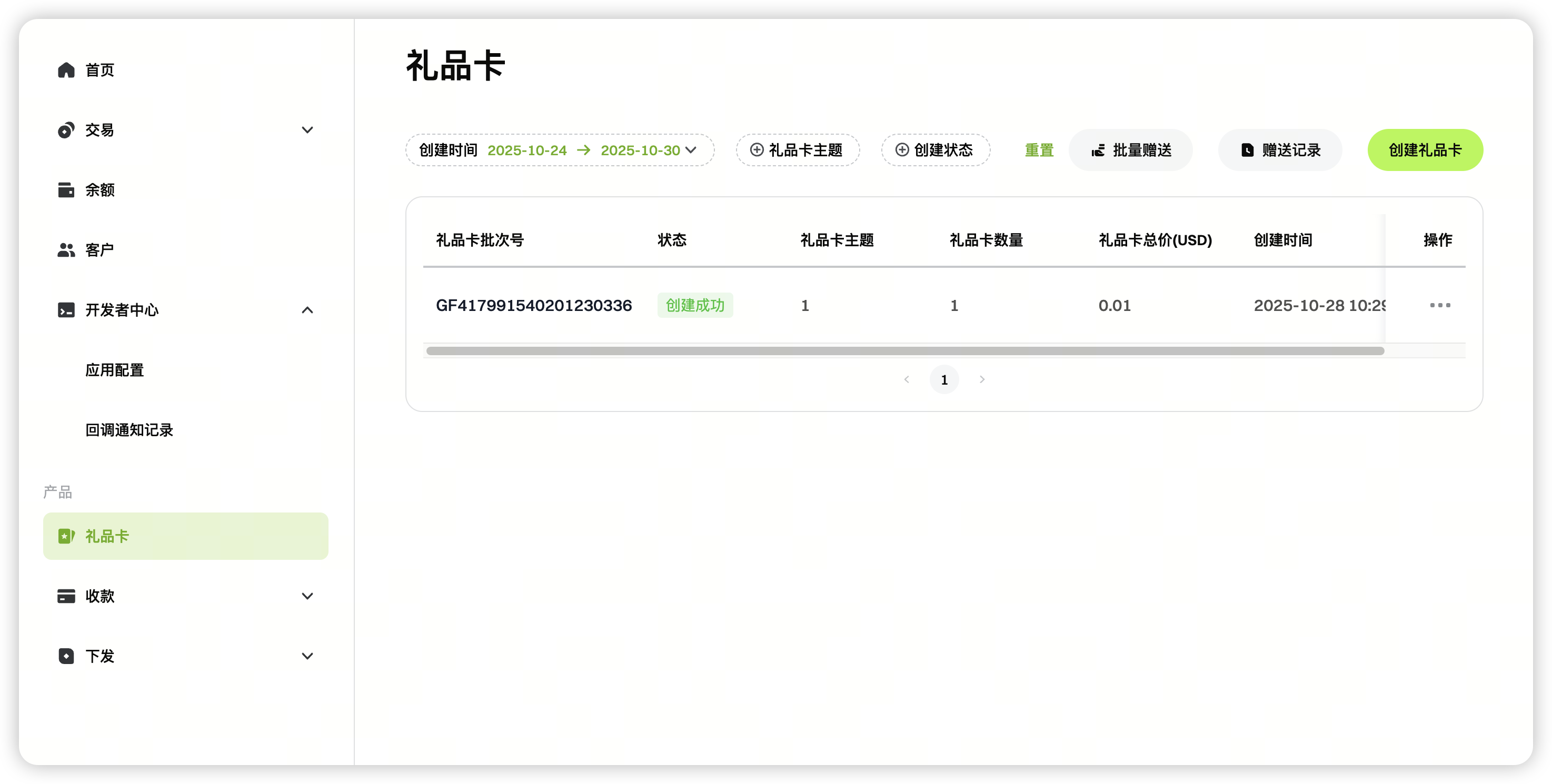
ギフトカード
加盟店はダッシュボードまたはAPIを使用してギフトカードを作成できます。
API手順:https://www.gate.com/help/gatepay/merchant_integration_guide/43622/gate-gift-card-api-creation-instructions
ダッシュボードガイド:https://www.gate.com/help/gatepay/merchant_integration_guide/36026/create-gate-gift-cards-in-batches
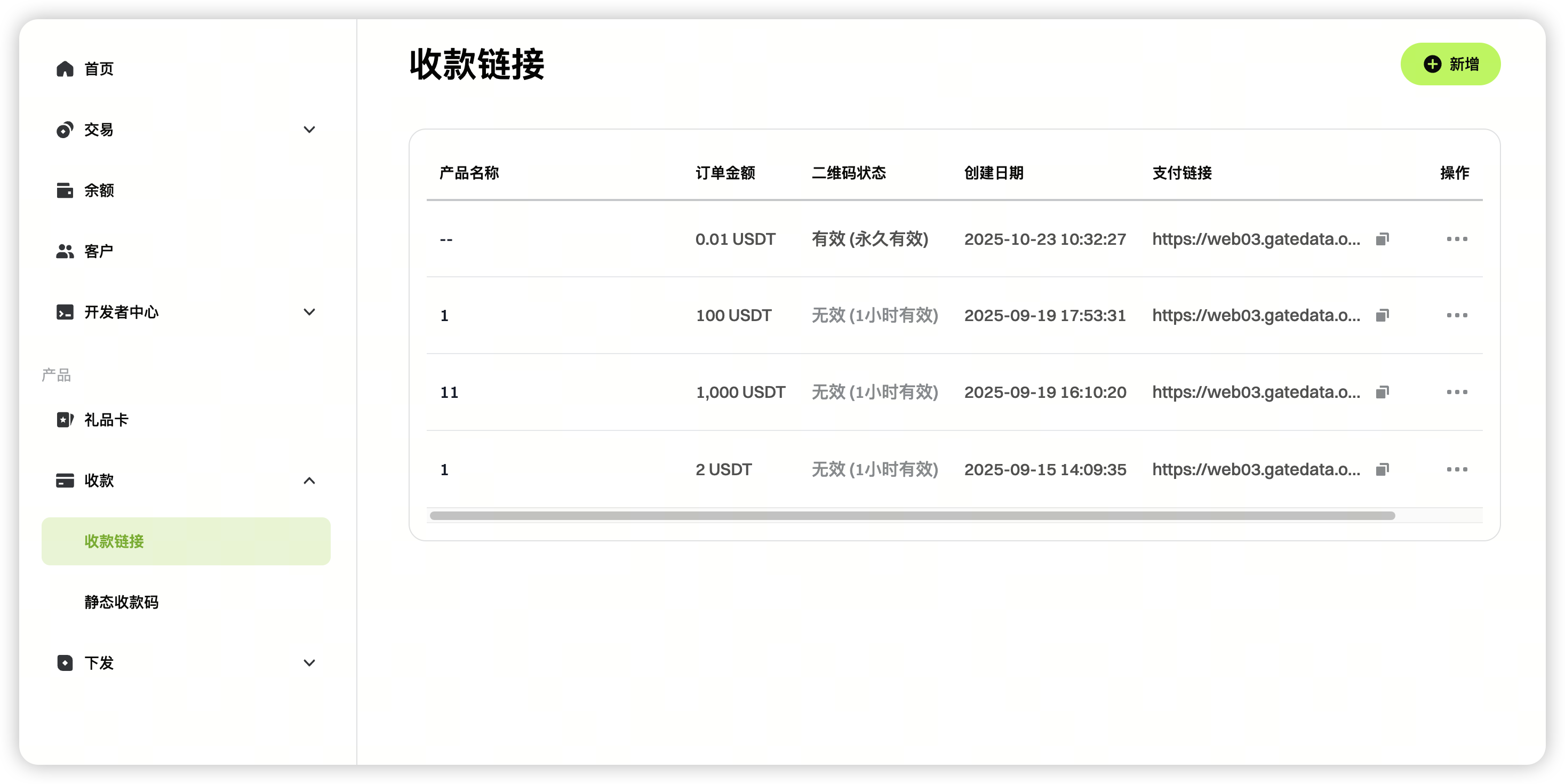
集金
加盟店は「集金」モジュールで、集金リンクおよび静的集金QRコードを生成できます。
操作ガイド:https://www.gate.com/help/gatepay/merchant_integration_guide/40793/static-collection-qr-code-address-guide
免責事項
本コンテンツは参考および教育目的のみであり、金融、投資、取引、または法律に関する助言を構成するものではなく、いかなるデジタル資産の売買の申込みまたは勧誘を構成するものでもありません。Gateは、本コンテンツに含まれる情報の正確性、完全性、適時性について、明示または黙示のいかなる表明または保証も行いません。商品機能、インターフェース、ルール、手数料体系は、いつでも更新または調整される場合があります。最も正確な詳細については、最新のお知らせおよびGateプラットフォーム上に表示される実際の情報をご参照ください。
デジタル資産への投資には重大なリスクが伴い、価格は大幅に変動する可能性があります。投資額の全額を失う可能性があります。関連するリスクを十分に理解したうえで、ご自身の財務状況とリスク許容度に基づき、慎重に判断してください。必要に応じて、独立した専門の金融または法律アドバイザーへ相談することを推奨します。
想定されるリスクの詳細については、Gateのリスク開示およびユーザー契約をご参照ください。
