mempol
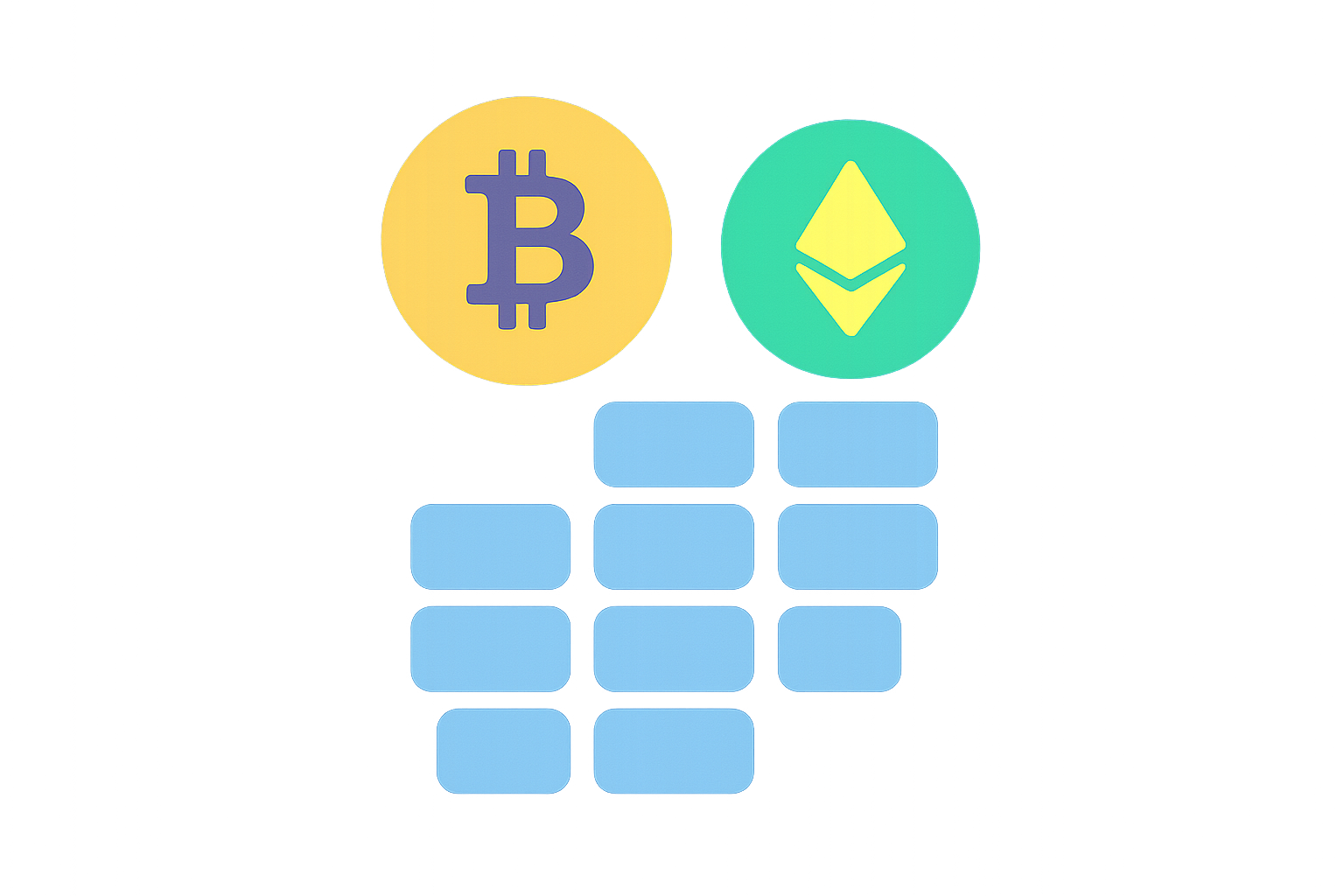
What Is a Transaction Mempool?
A transaction mempool is a temporary queue maintained by each blockchain node to store unconfirmed transactions. Miners or validators select transactions from the mempool to include in the next block. The mempool directly impacts how long transactions wait and the order in which they are processed.
A node is a computer running blockchain software that is responsible for receiving and relaying transaction data. A block can be thought of as the next page in a ledger, produced at regular intervals and recording a batch of confirmed transactions. Miners (on proof-of-work blockchains) or validators (on proof-of-stake blockchains) are entities or programs responsible for selecting and adding transactions to blocks. Transaction fees are paid by users to incentivize miners or validators to prioritize their transactions.
When you initiate a transfer via your wallet or request a withdrawal on Gate, your transaction is first broadcast to the network and enters the mempool, where it waits to be selected for inclusion in a block and subsequently confirmed.
How Does the Transaction Mempool Work?
The mempool workflow covers the full lifecycle of a transaction from broadcasting to confirmation, including validation, sorting, and packaging.
Step 1: A wallet or exchange generates and broadcasts a transaction. Broadcasting means sending the transaction message to neighboring nodes, allowing it to propagate through the network.
Step 2: The transaction enters each node’s mempool. Each node maintains its own mempool cache and performs initial checks on incoming transactions.
Step 3: Nodes verify basic rules such as signatures, balance, and format. Only transactions passing these checks are kept in the mempool; others are rejected or discarded.
Step 4: Transactions are sorted by fee. Bitcoin typically uses “fee rate,” which is the fee per unit of transaction size (e.g., sat/vByte), while Ethereum focuses on “gas price,” the price per unit of computational resource. The higher the fee rate or gas price, the higher a transaction is prioritized.
Step 5: Miners or validators select transactions from the mempool to include in blocks. Bitcoin targets an average block interval of about 10 minutes (according to its protocol), while Ethereum averages about 12 seconds per block (as of 2024 Ethereum consensus layer statistics).
Step 6: Once a block is propagated and confirmed, the included transactions are removed from the mempool and their status changes to “confirmed.”
How Are the Mempool, Blocks, and Miners Connected?
The mempool serves as a “candidate pool” for new blocks; miners or validators select which transactions to write into the next page of the ledger. Because each block has limited capacity, not all pending transactions can be processed at once.
Miners and validators select transactions based on fees and protocol rules. Higher-fee transactions are more likely to be prioritized for inclusion. Although blocks are produced at regular intervals, during network congestion, the mempool may grow significantly, causing low-fee transactions to wait longer. If you set a lower fee, your transaction might only be confirmed after several block cycles.
How Do Transaction Fees Affect Mempool Priority?
In the mempool, transaction fees act as an “express ticket.” The higher your fee, the greater your chance of being prioritized; if your fee is too low, your transaction may remain in the queue for a long time or even be dropped.
On the Bitcoin network, “fee rate” (fee per byte) is commonly used to determine priority. For transactions of equal size, those with higher fee rates are typically included first. Many wallets provide fee rate recommendations to help you choose appropriate fees based on network congestion.
On Ethereum, fees are determined by gas price. EIP-1559 splits fees into a “base fee” (which fluctuates with network load) and a “tip” for block producers. Wallets usually allow you to set a “max fee,” which includes caps for both base fee and tip. The higher your tip, the more likely your transaction is to be prioritized.
How Do Mempools Differ Between Bitcoin and Ethereum?
Mempool mechanisms vary between networks, with some key differences between Bitcoin and Ethereum.
In Bitcoin, many nodes support RBF (Replace-By-Fee), allowing users to resend a stuck transaction with a higher fee to replace an older version in the mempool and increase confirmation likelihood.
In Ethereum, each account has a “Nonce” (transaction sequence number). If a lower-nonce transaction is unconfirmed, subsequent transactions with higher nonces cannot be processed until it is cleared. To speed things up, you can send a replacement transaction with the same nonce but a higher fee, or use a “cancel transaction” (a self-send with higher fees) to free up the queue.
Additionally, Ethereum’s faster block times mean transactions usually spend less time in the mempool compared to Bitcoin, though fees can fluctuate rapidly during high network load.
What Should You Do During Mempool Congestion?
During congestion, approach resolution through status checks, fee adjustments, and timing:
Step 1: Check transaction status on a block explorer. Look for whether your transaction is “Pending” and review current network fee or gas recommendations.
Step 2: Assess whether your fee is below recommended levels; if so, your transaction will likely remain queued in the mempool.
Step 3: Accelerate or replace your transaction. In Bitcoin, use RBF to resend with a higher fee; on Ethereum, resend with the same nonce but a higher fee or submit a “cancel transaction” to free up the queue.
Step 4: Choose optimal timing or networks. Avoid peak times or switch to Layer 2 solutions (e.g., using Ethereum L2 for transfers) where supported to reduce fees and congestion risk.
Step 5: Prioritize fund security. Avoid frequent untested actions; if using an exchange (like Gate) for withdrawals, fees and acceleration strategies are set by the platform—wait patiently and use official channels to check progress.
How Does the Mempool Affect Gate Withdrawals and Deposits?
Mempool congestion directly impacts withdrawal processing (“on-chain” confirmation) and deposit crediting times. A transaction must first move from the mempool into a block and reach the required number of confirmations before funds are credited to your account.
When you initiate a withdrawal on Gate, the system broadcasts your transaction to the network where it enters the mempool. If the network is congested or your fee is low, multiple block cycles may be needed before confirmation. Confirmation requirements vary by asset and network; deposit pages usually indicate how many confirmations are needed.
You can: Step 1: Retrieve your transaction hash from withdrawal details and check its queue status and recommended fees via a block explorer. Step 2: Monitor its progress from “Pending” to “Confirmed” and ensure it meets platform-specific confirmation thresholds. Step 3: During peak congestion periods, consider using less busy networks or timing withdrawals for off-peak hours to improve deposit speed.
What Are Common Risks Associated With Mempools?
Key risks related to mempools include stuck transactions, replacement/dropping of transactions, nonce blocking, and frontrunning in on-chain interactions.
Long-Unconfirmed Transactions: Low fees or high network congestion may result in extended queue times in the mempool. Solutions include increasing fees or replacing transactions where supported.
Transaction Replacement or Dropping: Under Bitcoin’s RBF policy, old transactions may be replaced by higher-fee versions; nodes may also clear out low-fee or expired transactions.
Nonce Blocking: On Ethereum, unconfirmed earlier transactions with lower nonces will block subsequent ones until cleared—requiring replacement or cancellation to resolve.
Frontrunning & Slippage: In DeFi interactions, bots monitor mempools to submit competing transactions ahead of yours (frontrunning), leading to increased slippage or failed trades. To mitigate this, adjust slippage tolerance and deadlines appropriately or use private transaction channels when available.
What Tools Can You Use to View and Monitor Mempools?
You can monitor transaction status and network congestion using block explorers and fee tracking tools:
Bitcoin: mempool.space visualizes mempool size, fee recommendations, and upcoming block queues.
Ethereum: Etherscan provides pending transaction lists and Gas Tracker tools displaying current base fees and recommended tips (as of 2024, most major explorers offer real-time fee charts).
Wallets & Platforms: Most wallets provide fee suggestions; on Gate’s withdrawal details page you can view your transaction hash and track its progress via explorers.
Developers: Advanced users can use node APIs or WebSocket subscriptions for monitoring pending transactions in real time.
What Are the Key Takeaways About Transaction Mempools?
A transaction mempool is a temporary holding area for unconfirmed transactions that determines queuing order and prioritization. Fees and network load affect both waiting time and cost. Bitcoin and Ethereum differ in their replacement policies and nonce management rules; during congestion you can raise fees, replace stuck transactions, choose optimal timing, or use Layer 2 networks. For withdrawals and deposits, transactions must pass through the mempool before reaching confirmation requirements—so use explorers for status tracking and set reasonable expectations for timing. Always conduct any fund-related activity through official channels using secure practices.
FAQ
What Is a Transaction Mempool?
A transaction mempool is a temporary storage area within blockchain nodes where unconfirmed transactions await inclusion in a block. When you send a transaction, it first enters this “waiting room,” pending selection by miners or validators for confirmation on-chain.
Why Is My Transaction Stuck in the Mempool Without Confirmation?
If your transaction stays in the mempool for an extended time, it’s usually due to one of two reasons: either your gas fee is set too low—miners prioritize higher-fee transactions—or network congestion is causing delays due to excessive activity. Consider increasing your gas fee or resending during less busy periods.
What Happens if the Mempool Fills Up? Will My Transaction Be Lost?
Mempools have capacity limits; nodes retain transactions based on gas fee priority. Low-fee transactions might be dropped from the mempool but are not permanently lost—you can always rebroadcast them. To avoid removal, set an appropriate or higher gas fee when submitting your transaction.
How Can I View and Monitor Transactions in the Mempool?
You can check your transaction’s status by entering your wallet address or transaction hash into a blockchain explorer (like Etherscan). Specialized mempool monitoring tools display live lists of pending transactions, gas fees, and overall network congestion. Gate’s platform wallet also allows you to track progress directly.
How Can I Accelerate Confirmation During Mempool Congestion?
The most direct way is to raise your gas fee—use “speed up” features to resubmit with higher fees. Alternatively, cancel your original transaction and resend when network traffic is lighter. Scheduling transactions during off-peak times (like nighttime) can also help lower fees and achieve faster confirmation.
Related Articles

The Future of Cross-Chain Bridges: Full-Chain Interoperability Becomes Inevitable, Liquidity Bridges Will Decline
Solana Need L2s And Appchains?