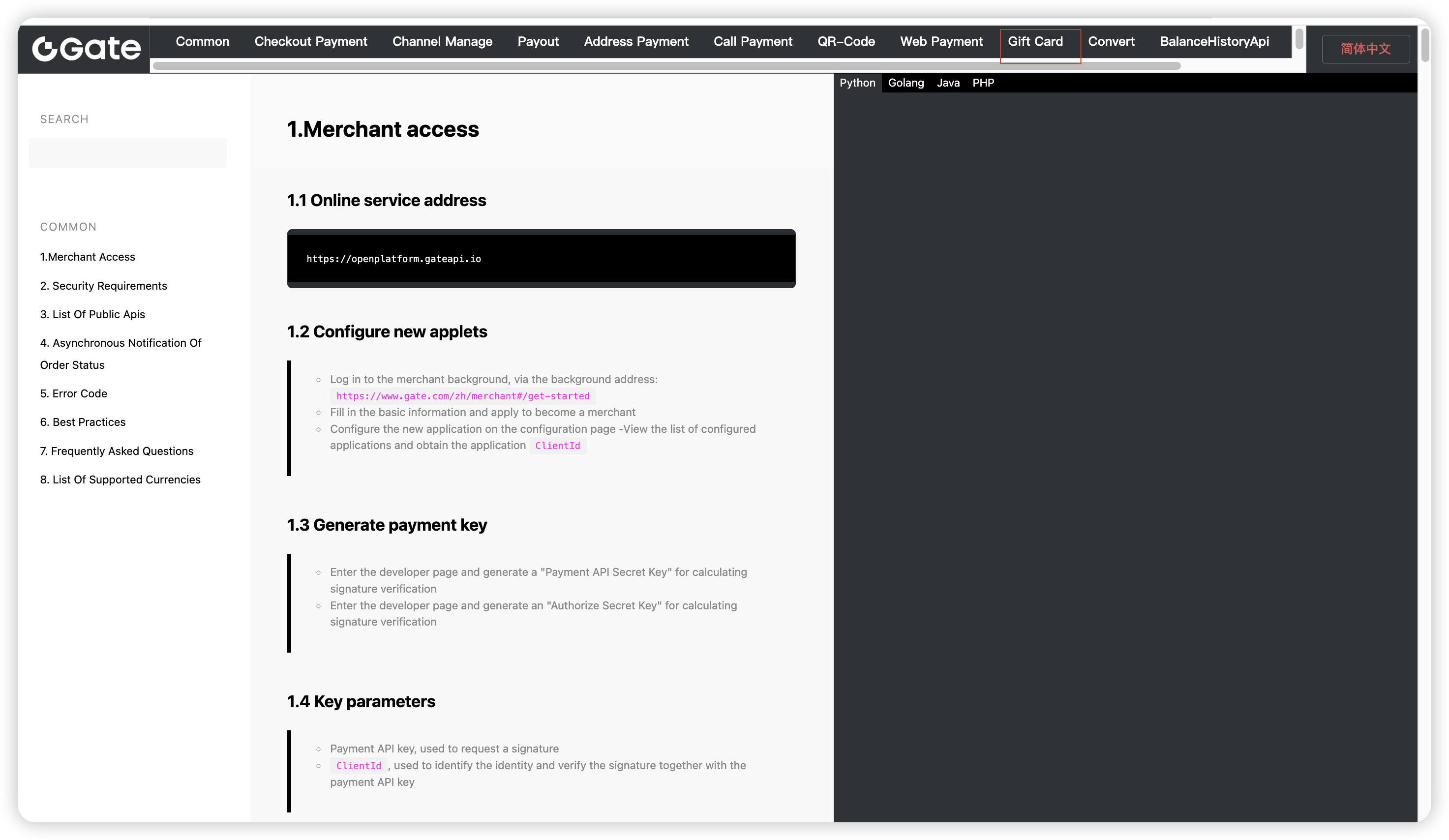
Step 1: To register a Gate account on Gate APP or on Gate official website (https://www.gate.com/), and complete the KYB process.
This Gate account will be used to handle all the operations and cash flow.
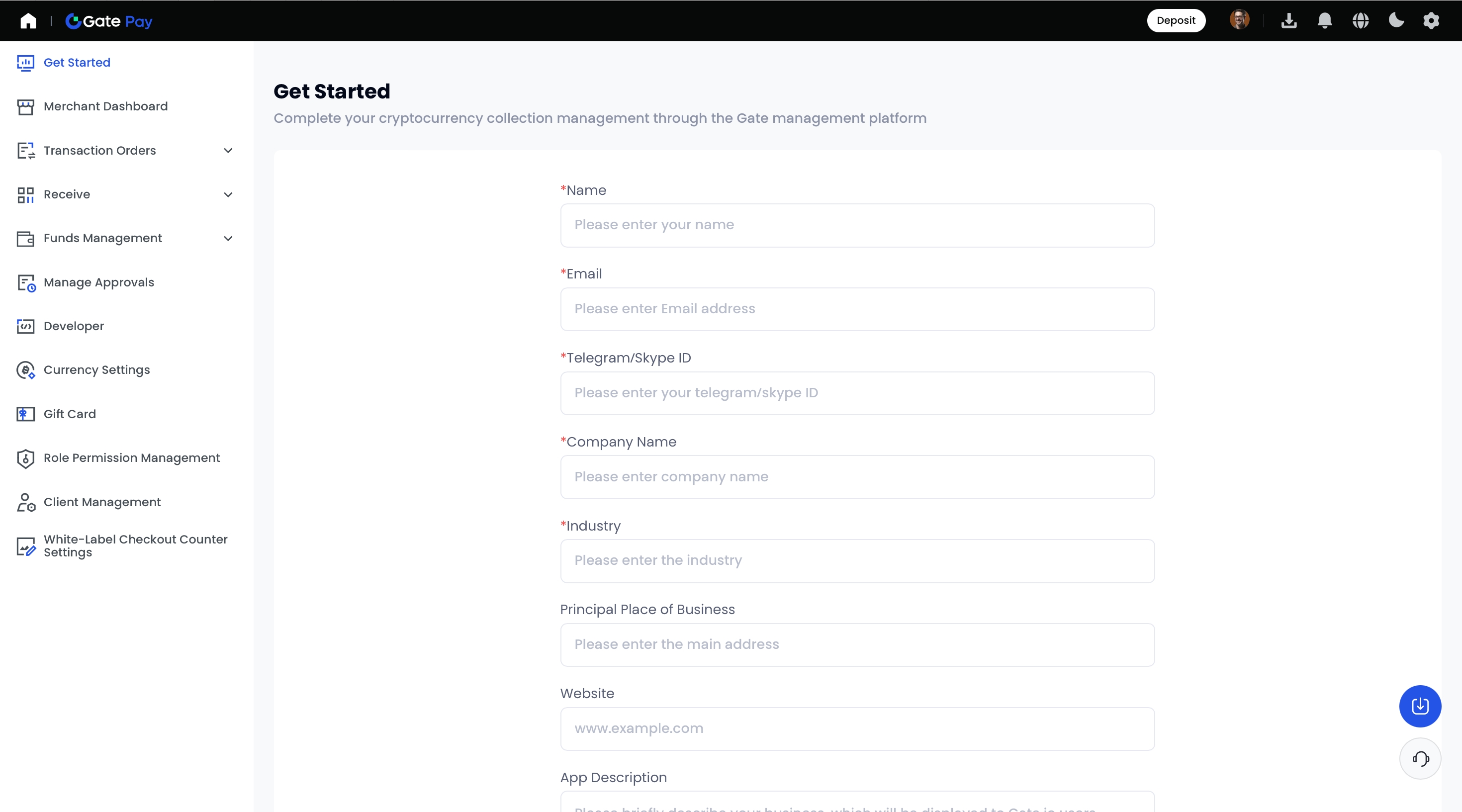
Step 2: Use the Gate UID you got in Step 1 to register a merchant account here:
https://www.gate.com/pay-merchant
, and fill in the required information accordingly.
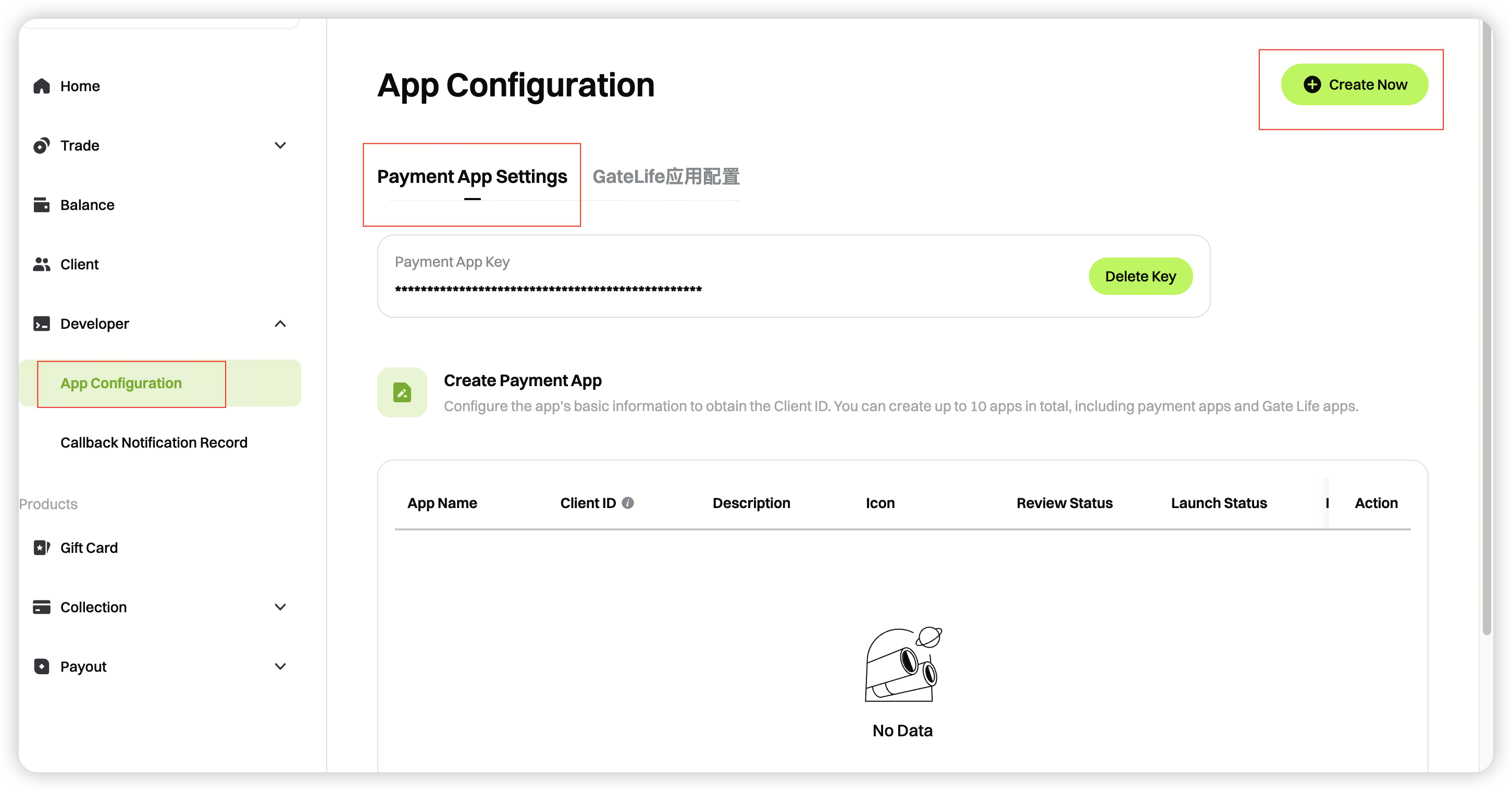
Step 3: In the Merchant Console, go to [Devper] -[App Configuration] to generate your API key and Client ID.
Click Create Now****
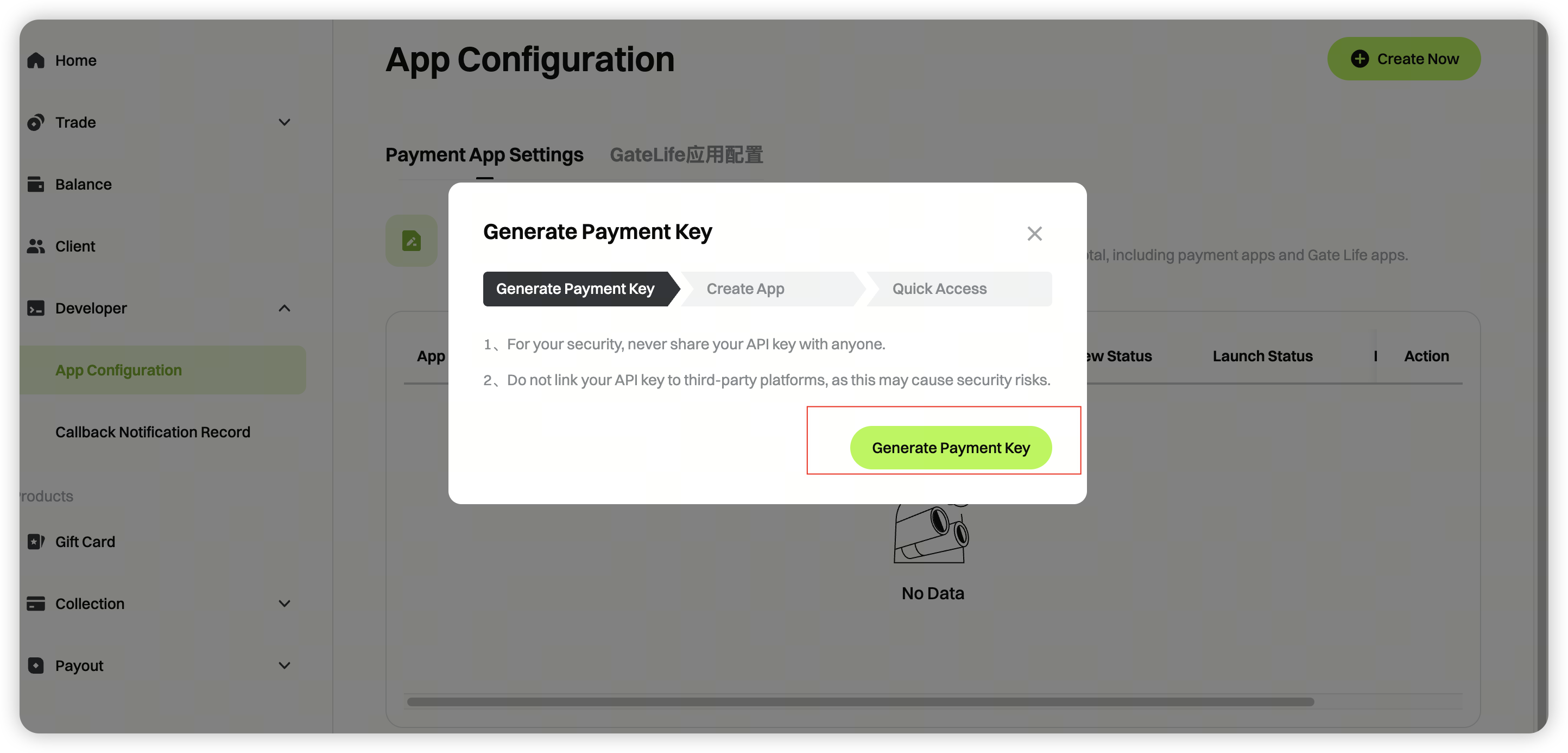
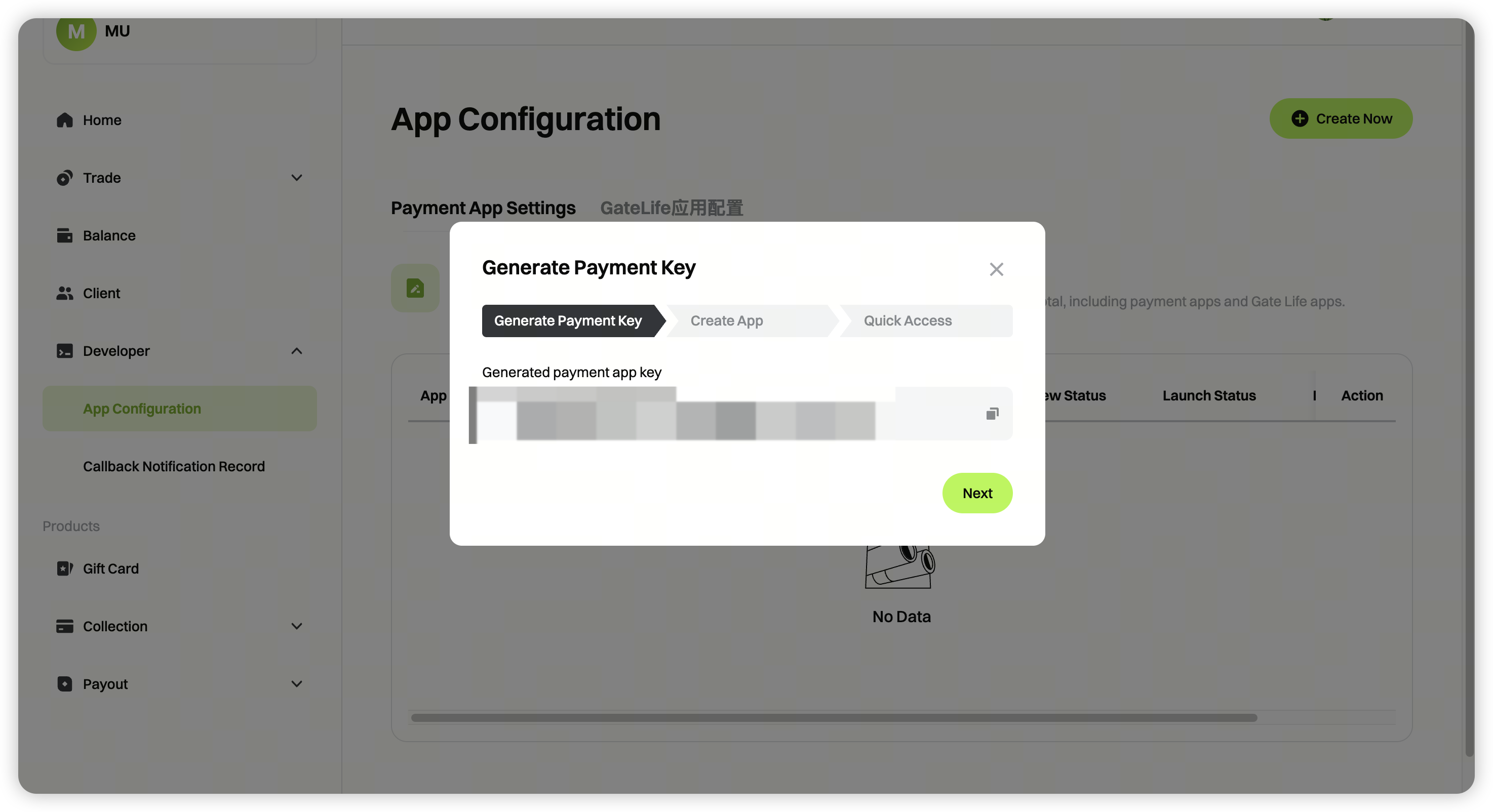
Click Generate Payment Key
Note: The payment key is generated only once. Save it securely.
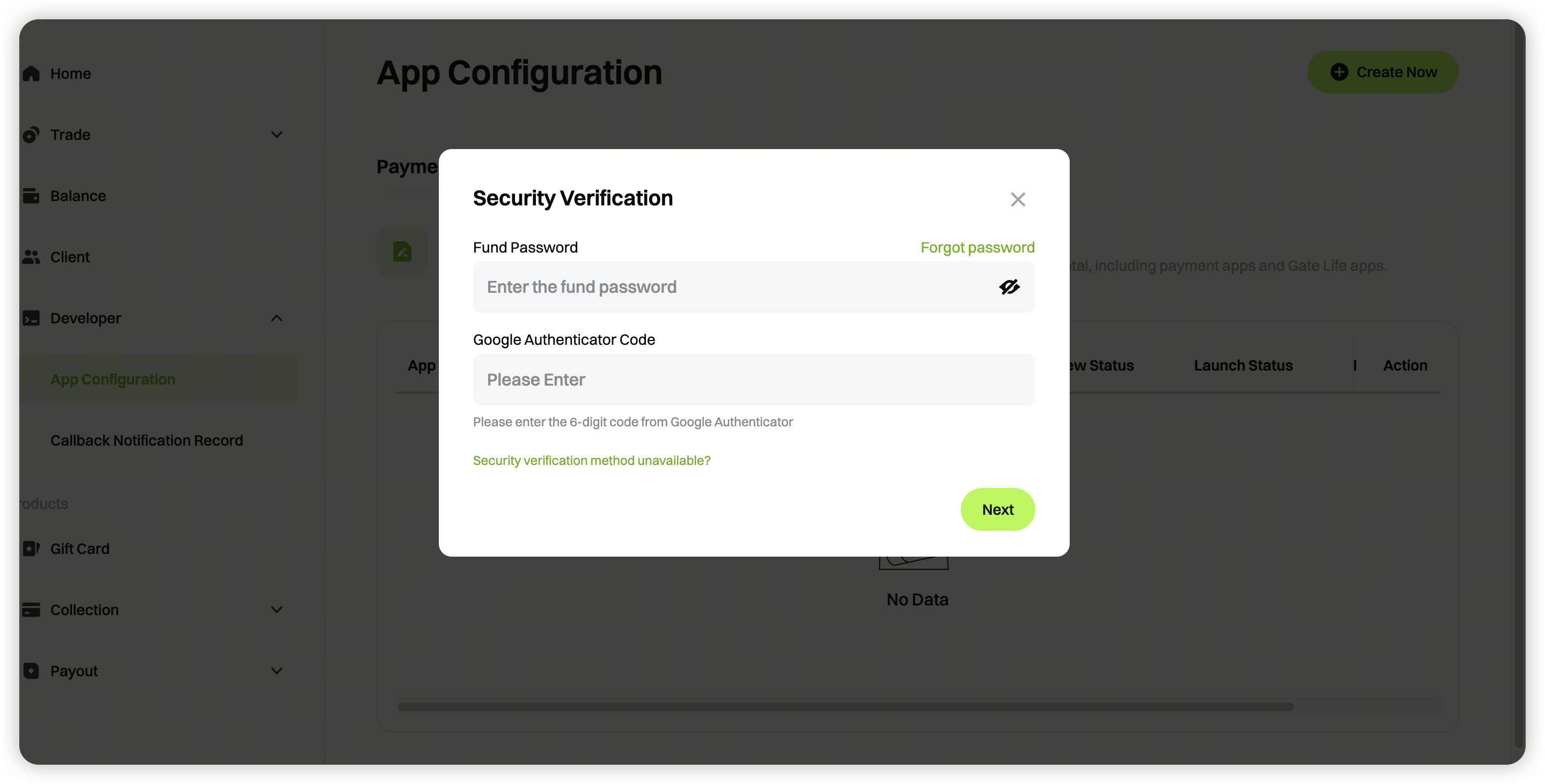
Complete the security verification
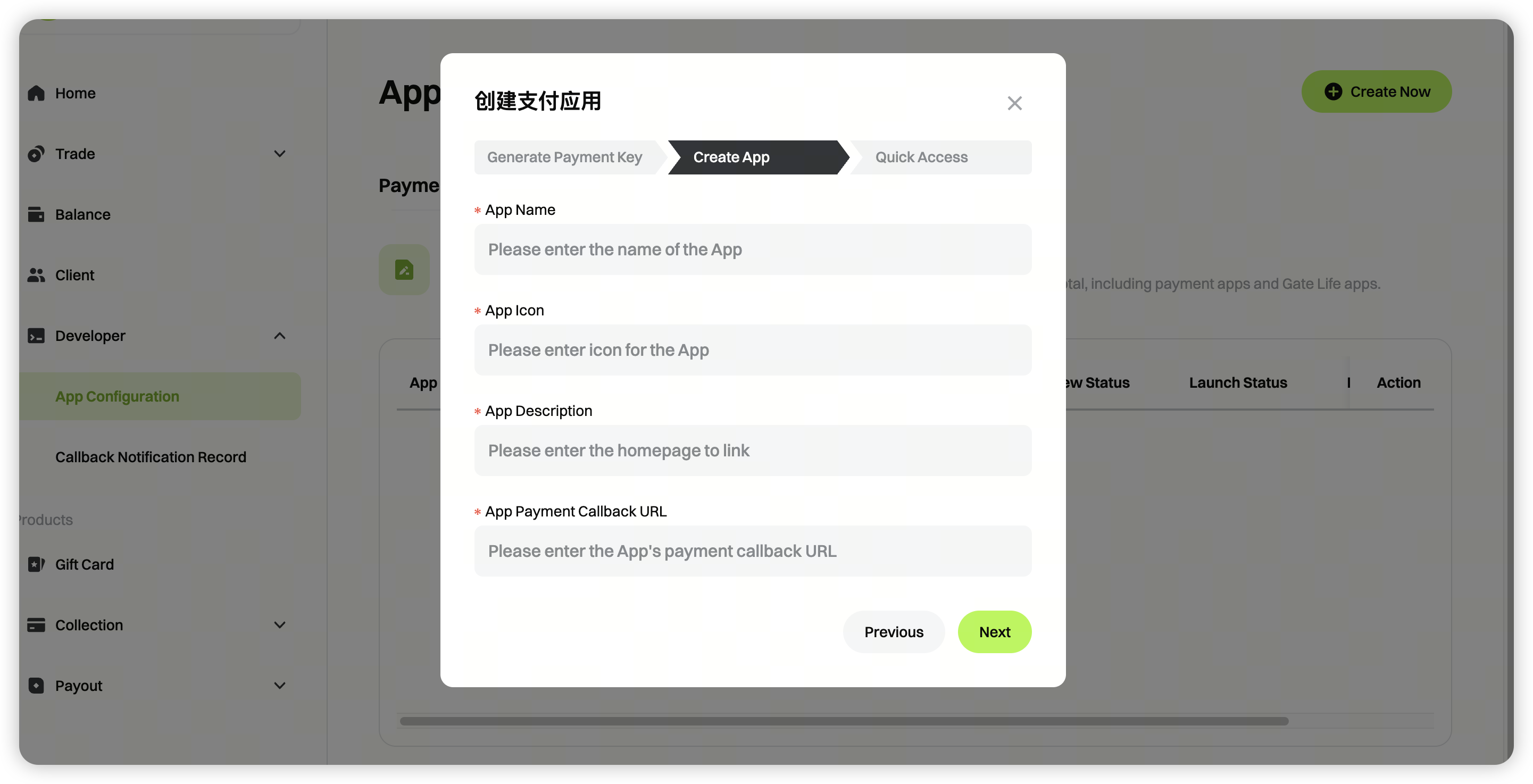
Enter the required details to create your payment application (Client ID).
Note: The payment callback URL must use HTTPS.
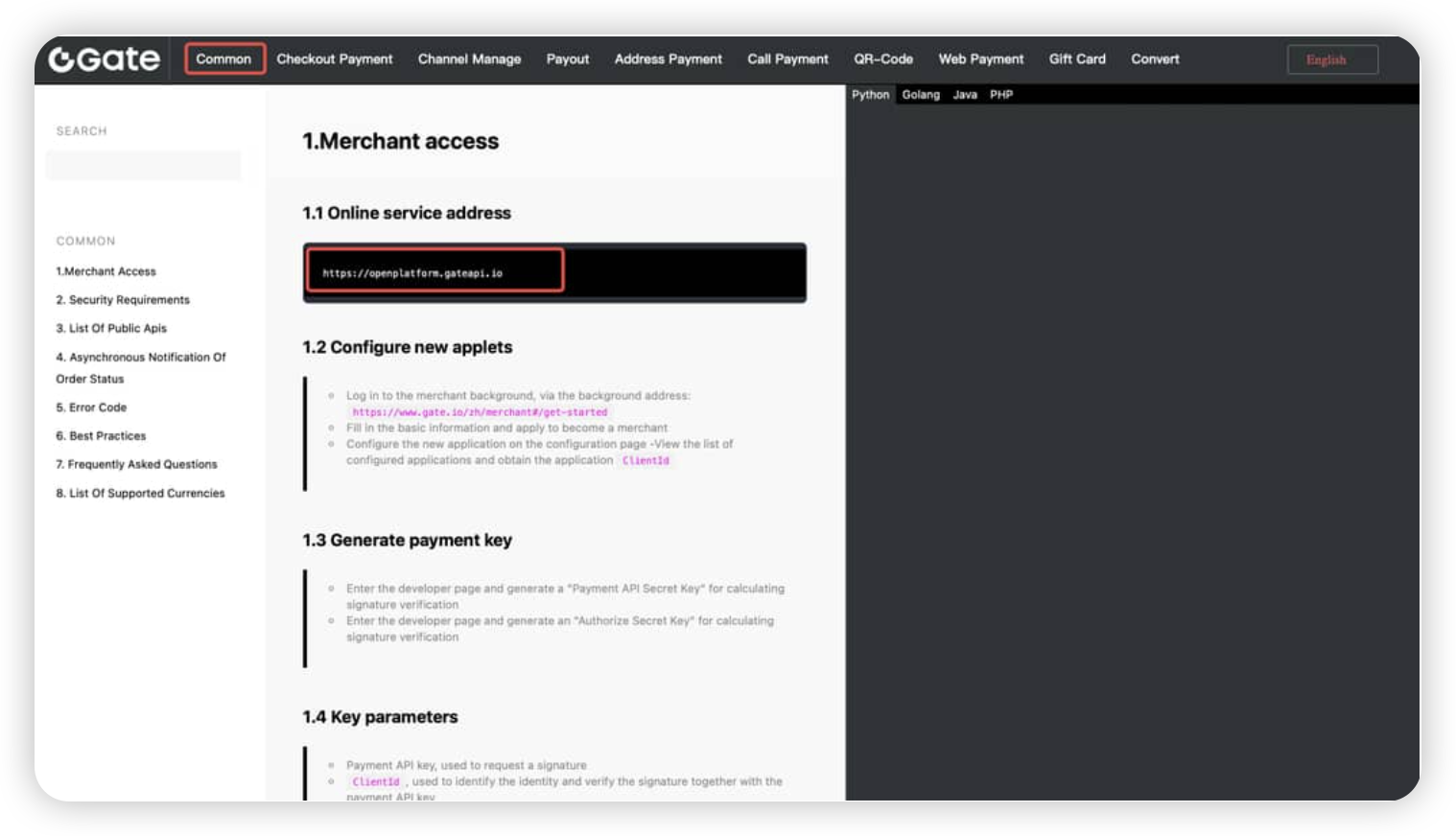
Step 4: Please follow the API documentation for integration testing: https://www.gate.com/docs/gatepay/common/en/
Please refer to the commom documentation first, and select the online service address (production environment) as the API test interface.
 *Please conduct a gift card creation test based on :* https://www.gate.com/docs/gatepay/gift_card/