
Come reimpostare la password di accesso sul sito Gate:
Passaggio 1: Accedi al tuo account. Sposta il cursore sull’icona del profilo in alto a destra e vai su "Verifica di sicurezza" - "Gestione password" - "Password" - "Modifica".
Passaggio 2: Inserisci la tua vecchia password, la nuova password (confermandola una seconda volta) e il TOTP (codice di verifica Google). Quindi clicca su "Conferma e modifica".

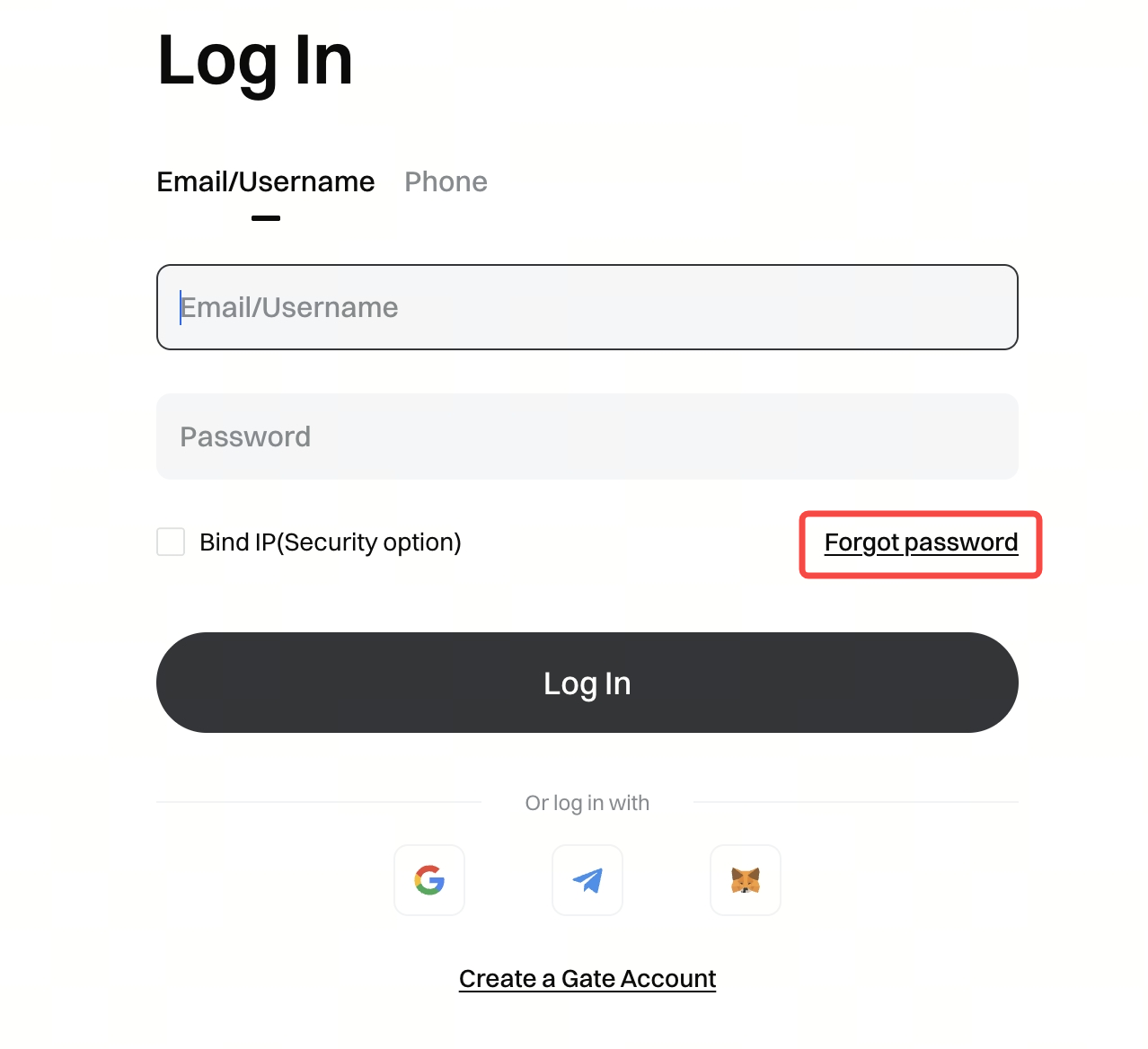
Se hai dimenticato la password di accesso, procedi come segue:
Clicca su "Password dimenticata?" nella pagina di accesso.
 Scegli se reimpostare la password di accesso tramite email o numero di telefono. Segui le istruzioni per completare il reset.