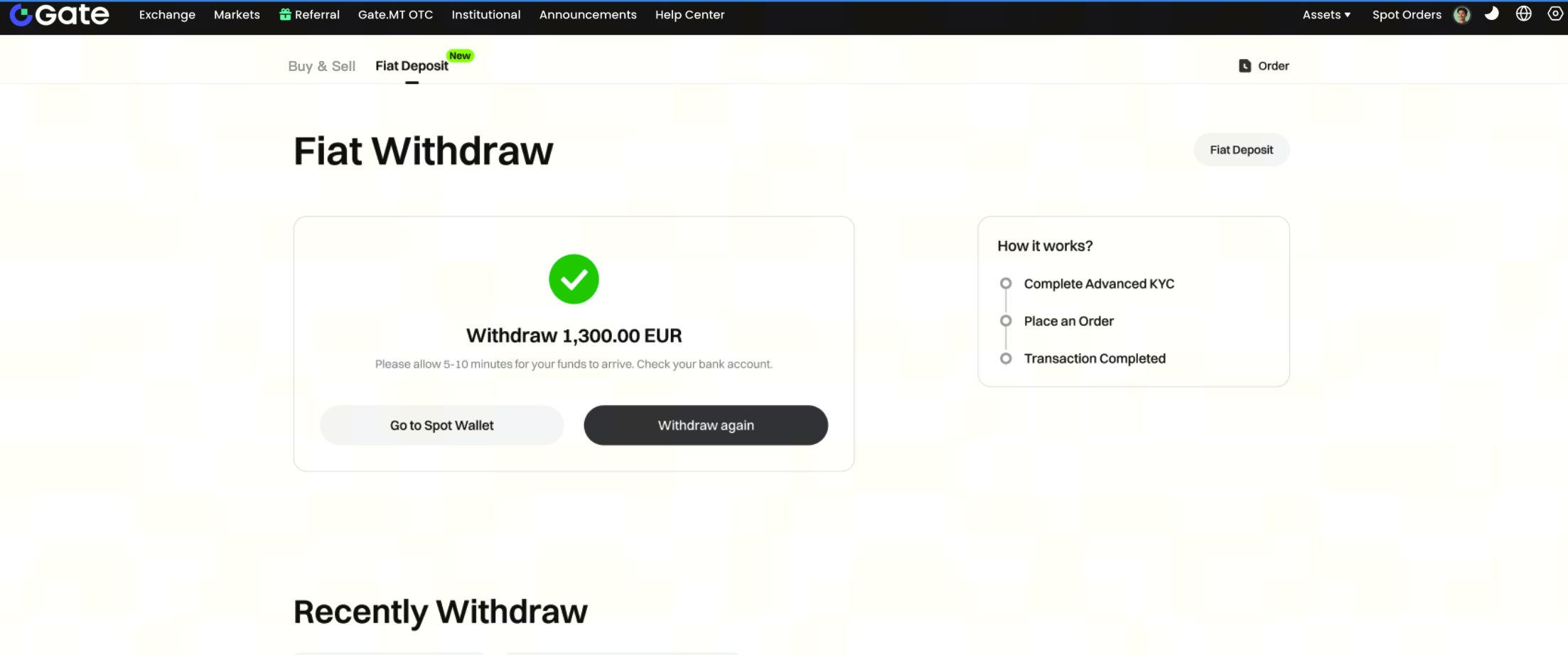
The deposit steps are as follows:
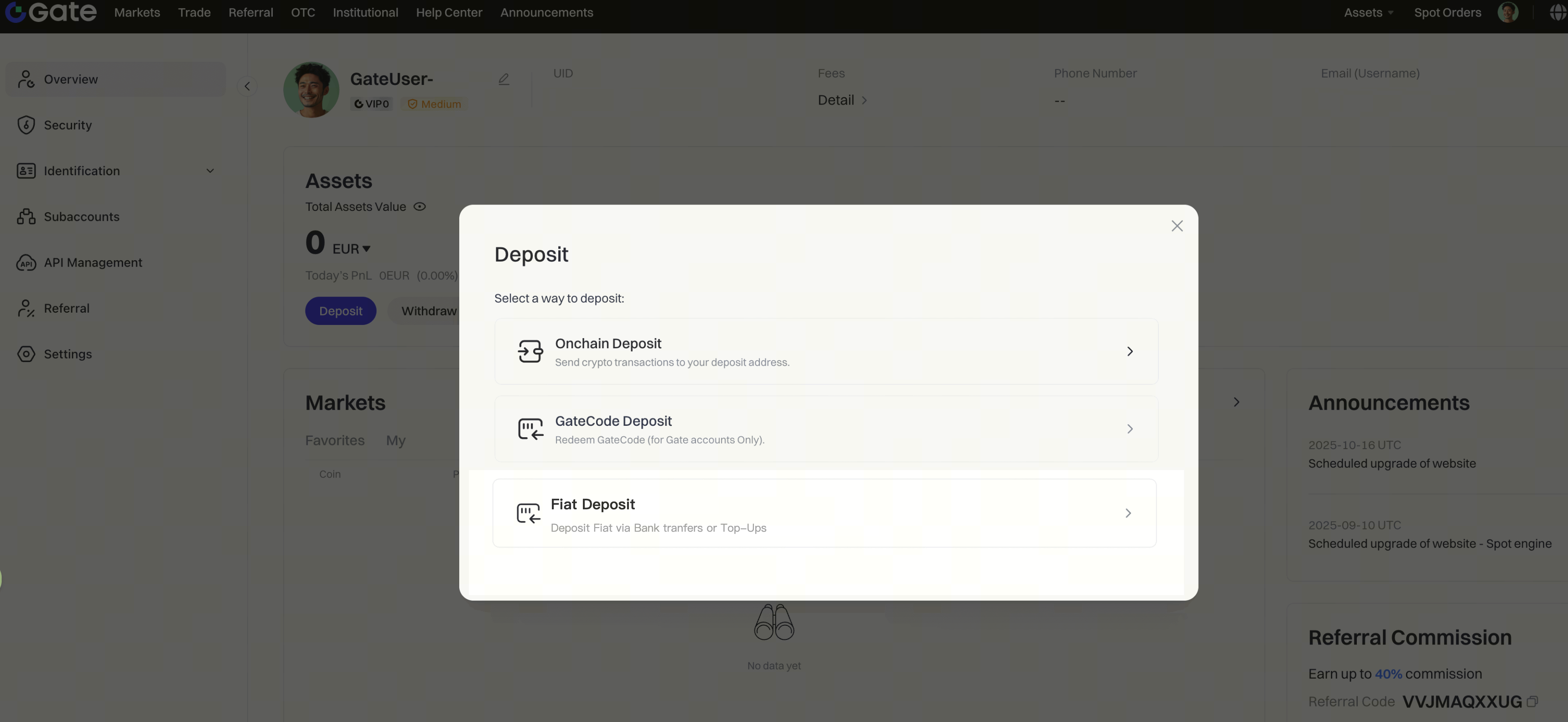
Step 1: : You can access the deposit method selection page through any Deposit entry on the website, and then select [Fiat Deposit].
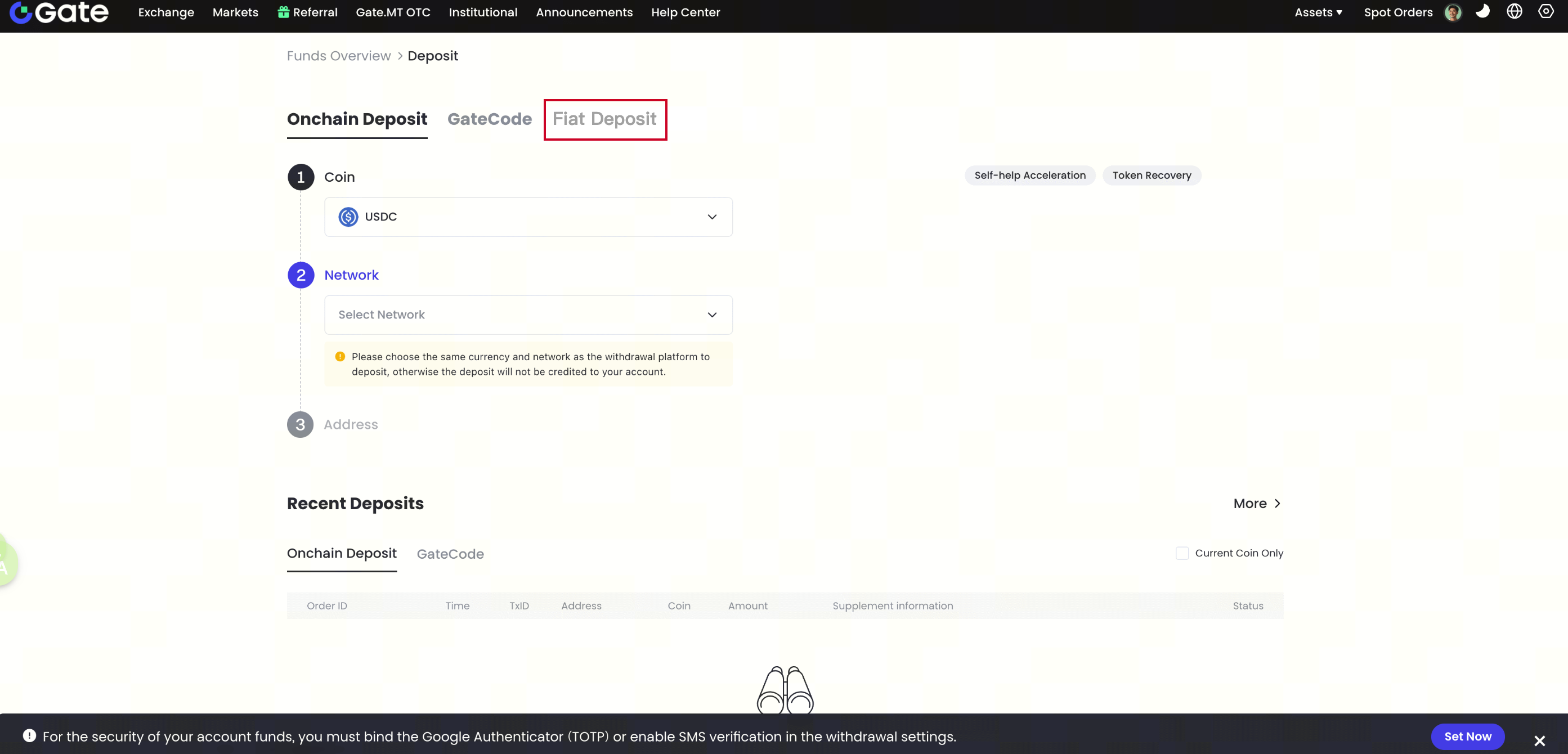
Alternatively, you can switch to [Fiat Deposit] on the Onchain Deposit page.
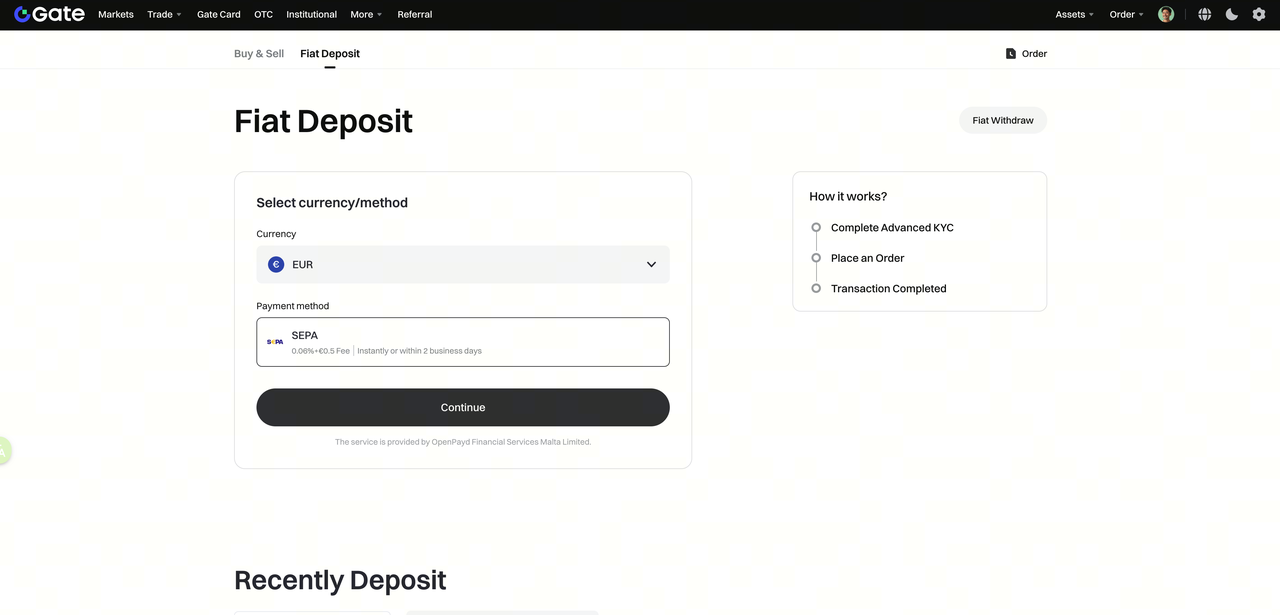
Step 2: : Select the fiat currency you wish to deposit. Confirm the payment method, and click [Continue].
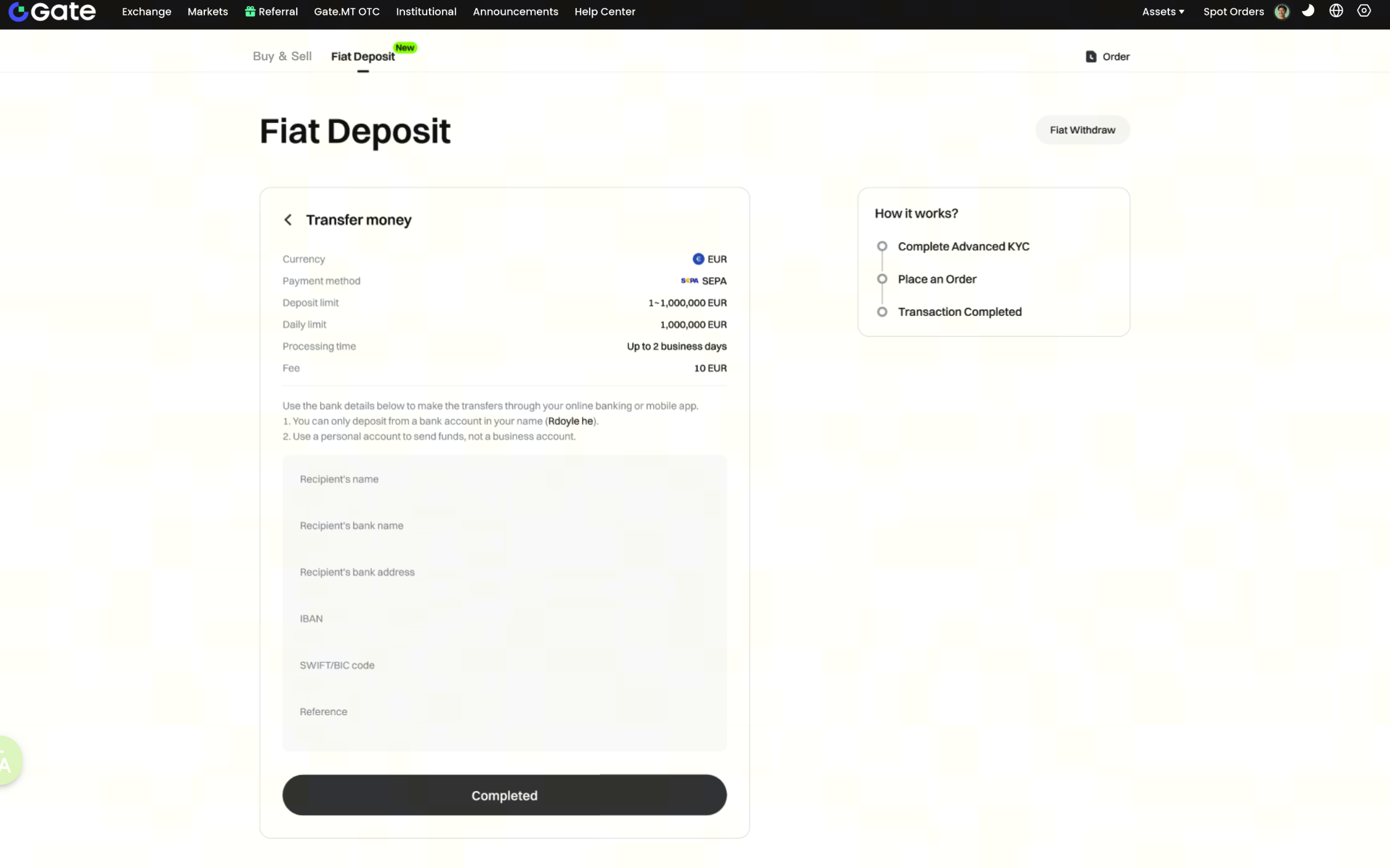
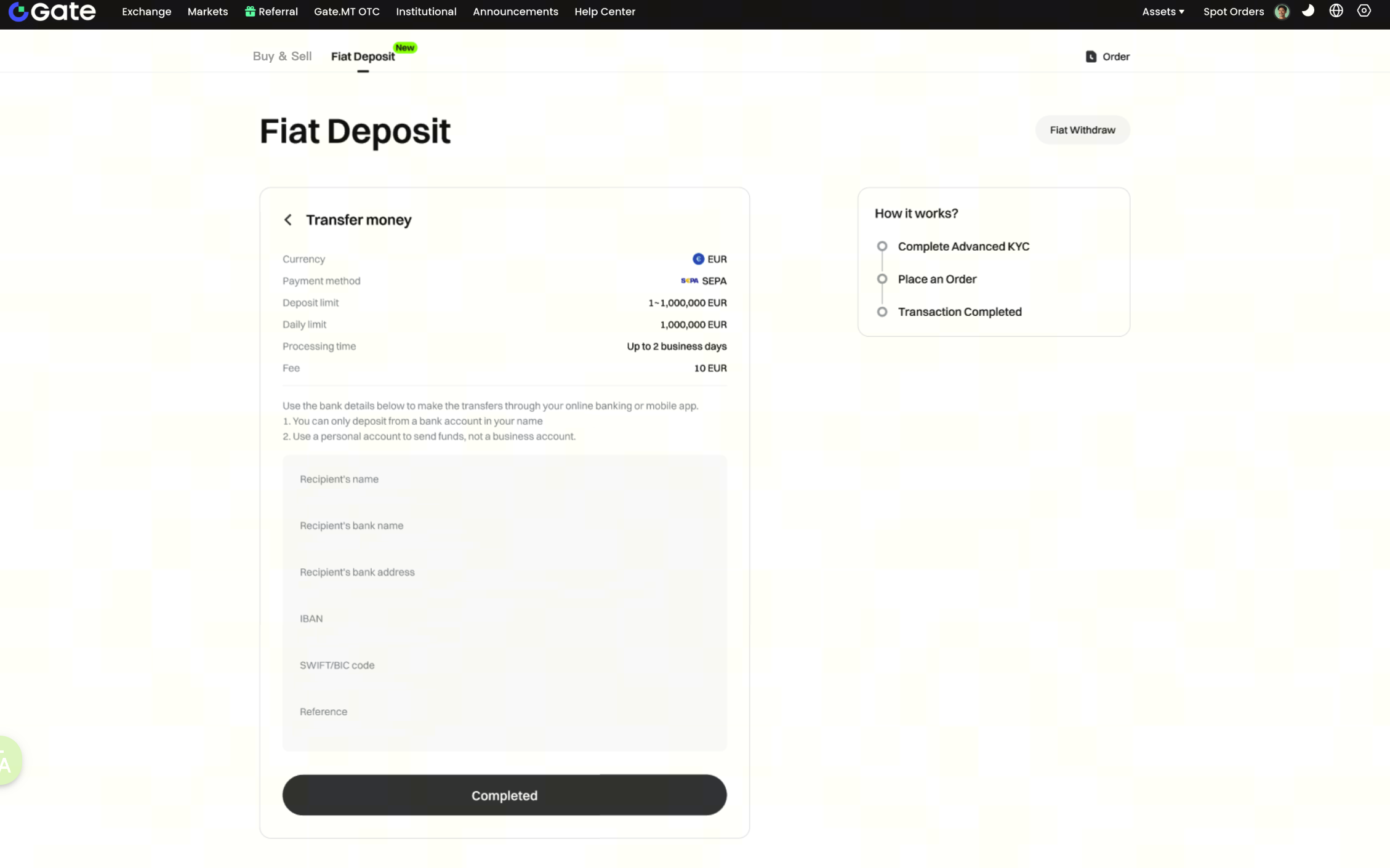
Step 3: : Follow the instructions of the receiving bank to make the remittance.
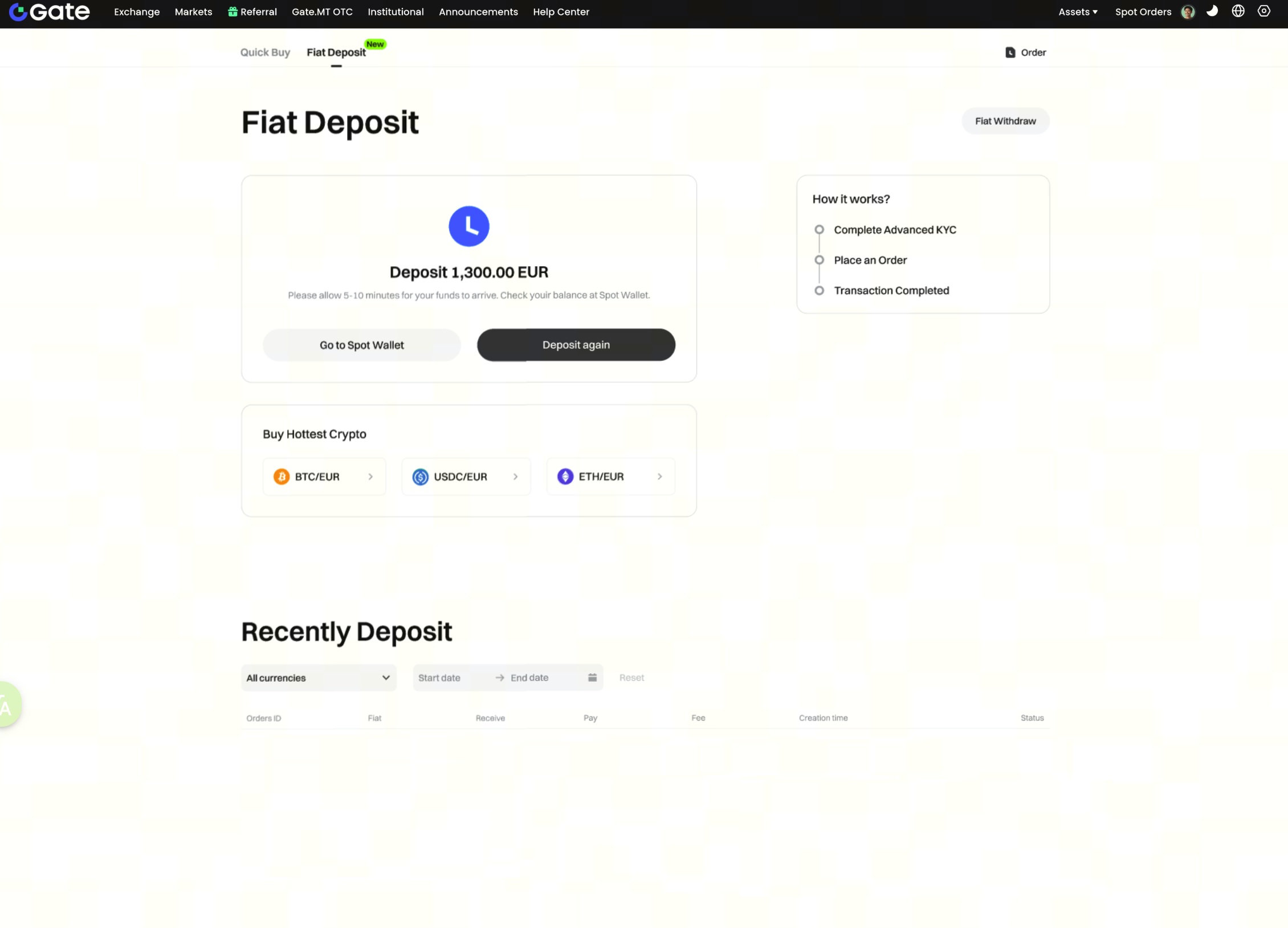
Step 4: : Fiat currency successfully received. Due to differences in payment methods and remittance times, your arrival time may vary. Please refer to the on-screen instructions.
The withdrawal steps are as follows.
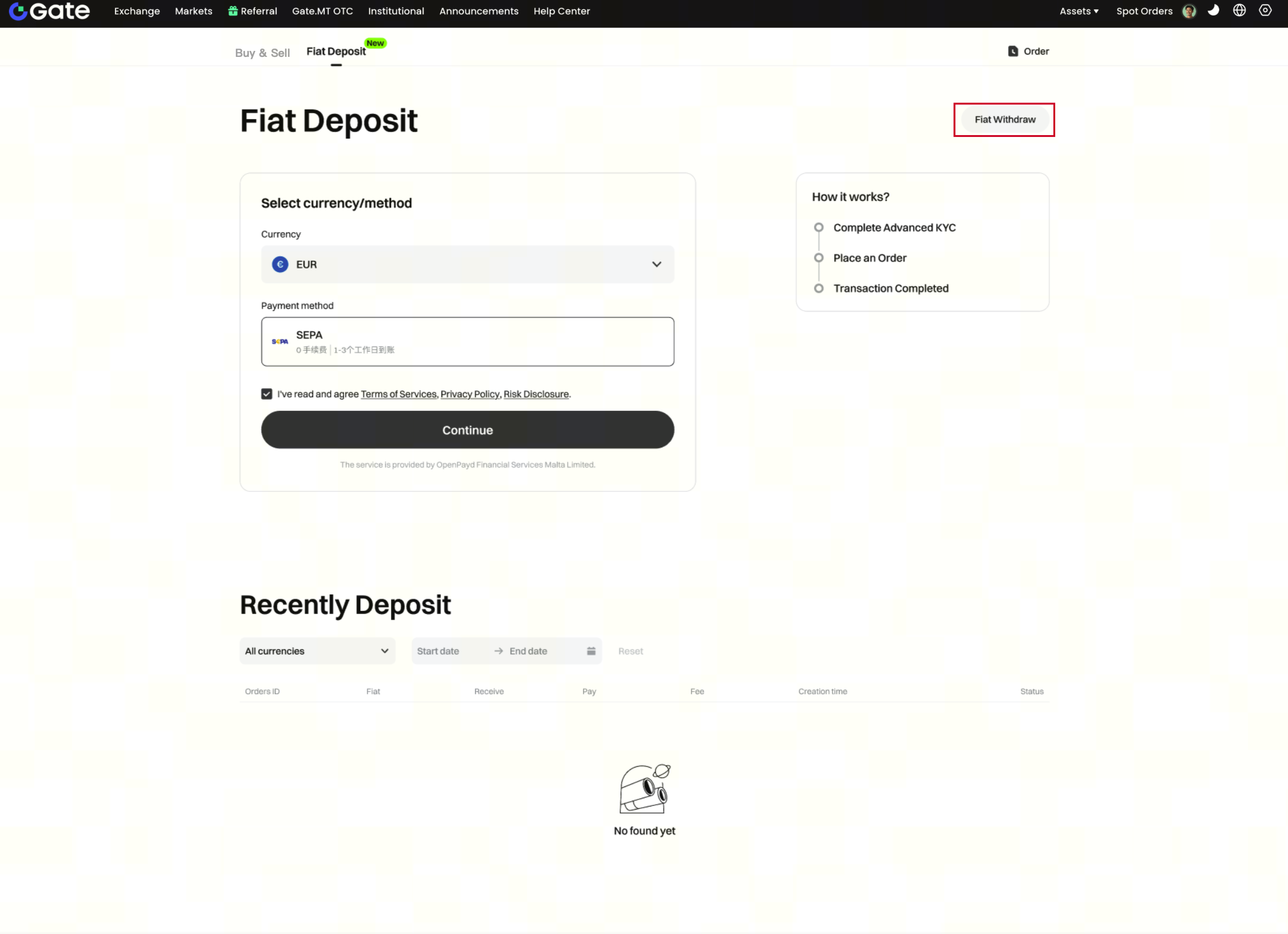
Step 1: : You need to switch to the withdrawal page from the deposit page.
Step 2: : You can choose the withdrawal currency and payment method, and then click [Continue].
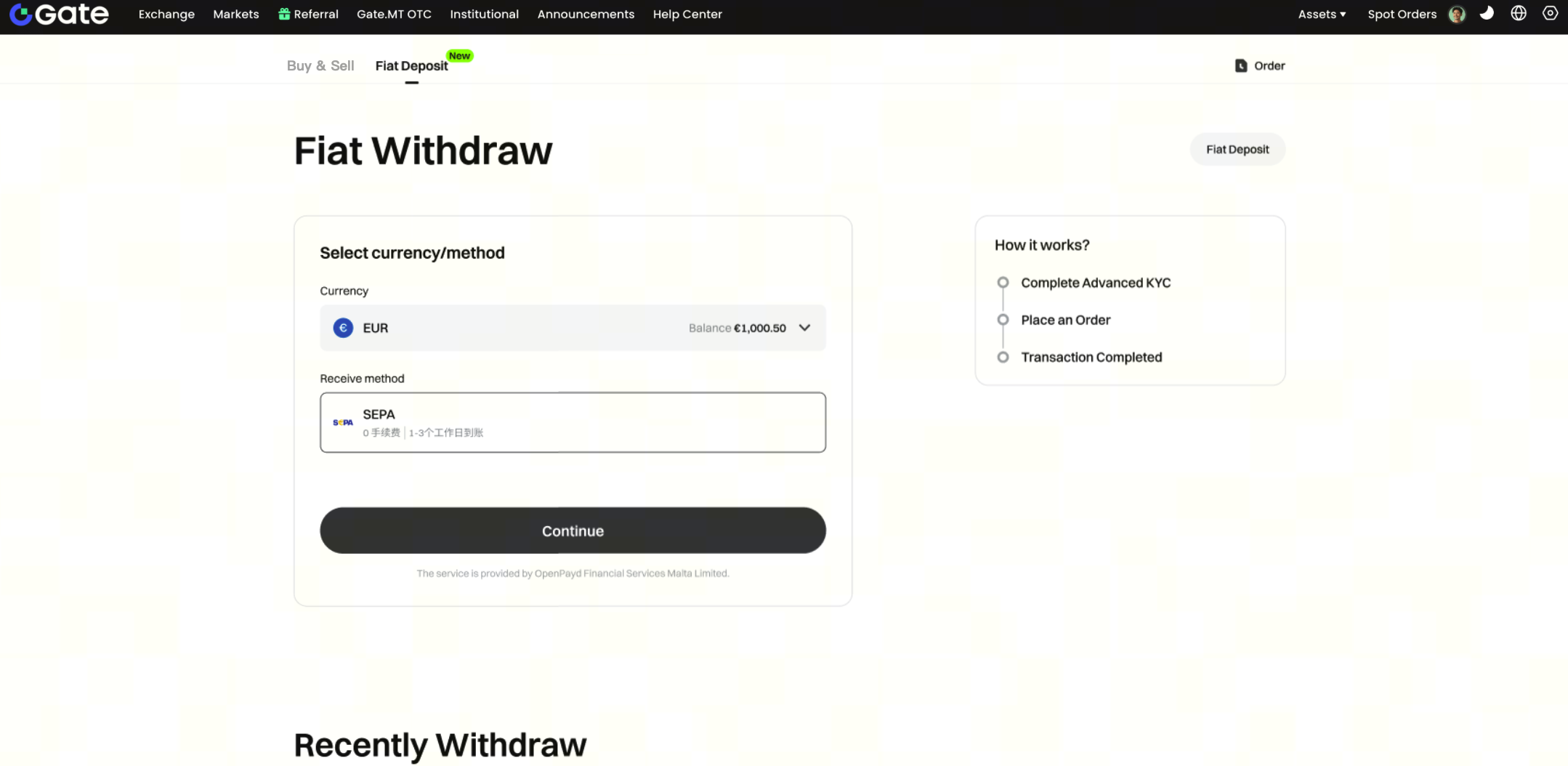
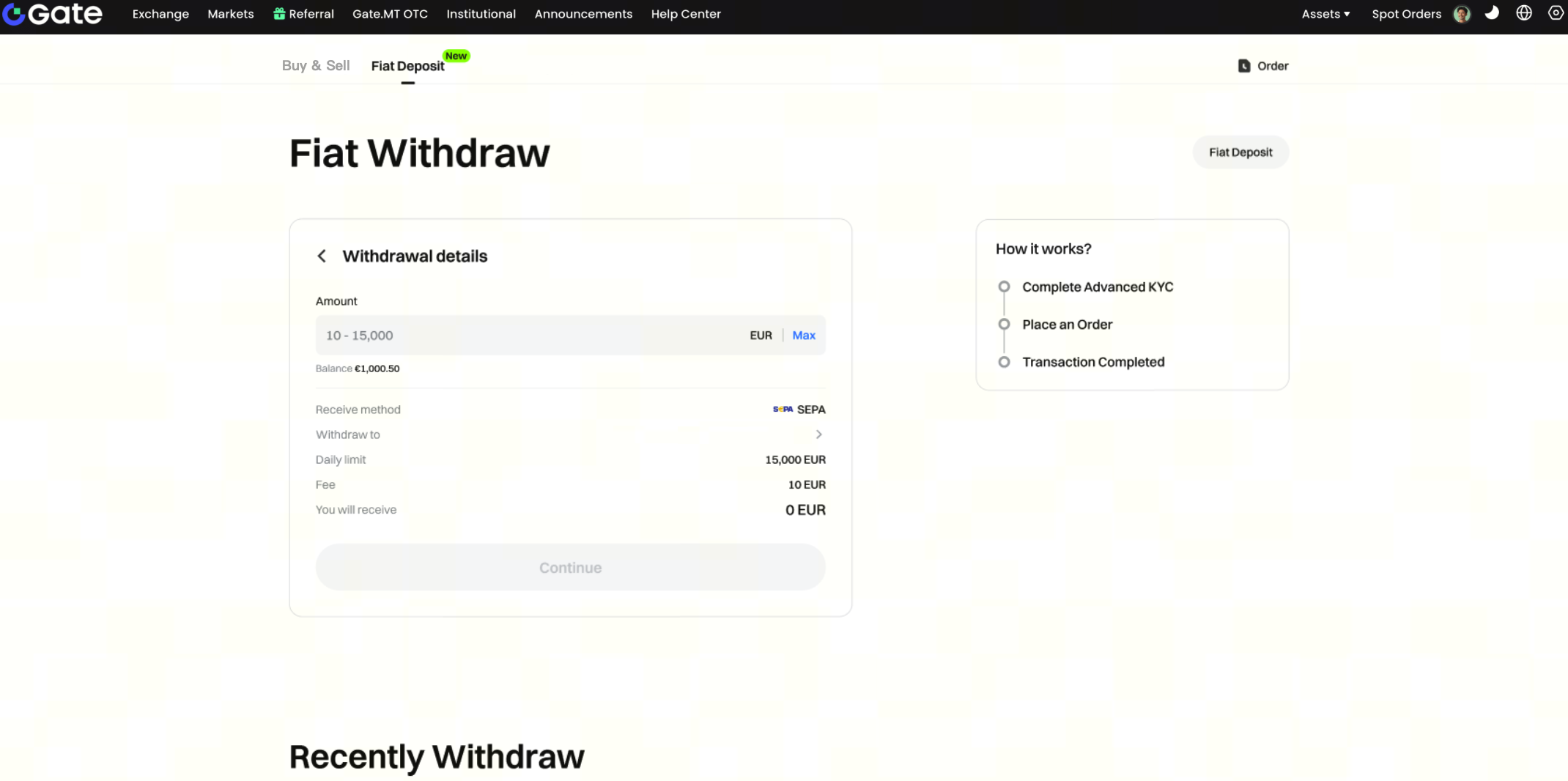
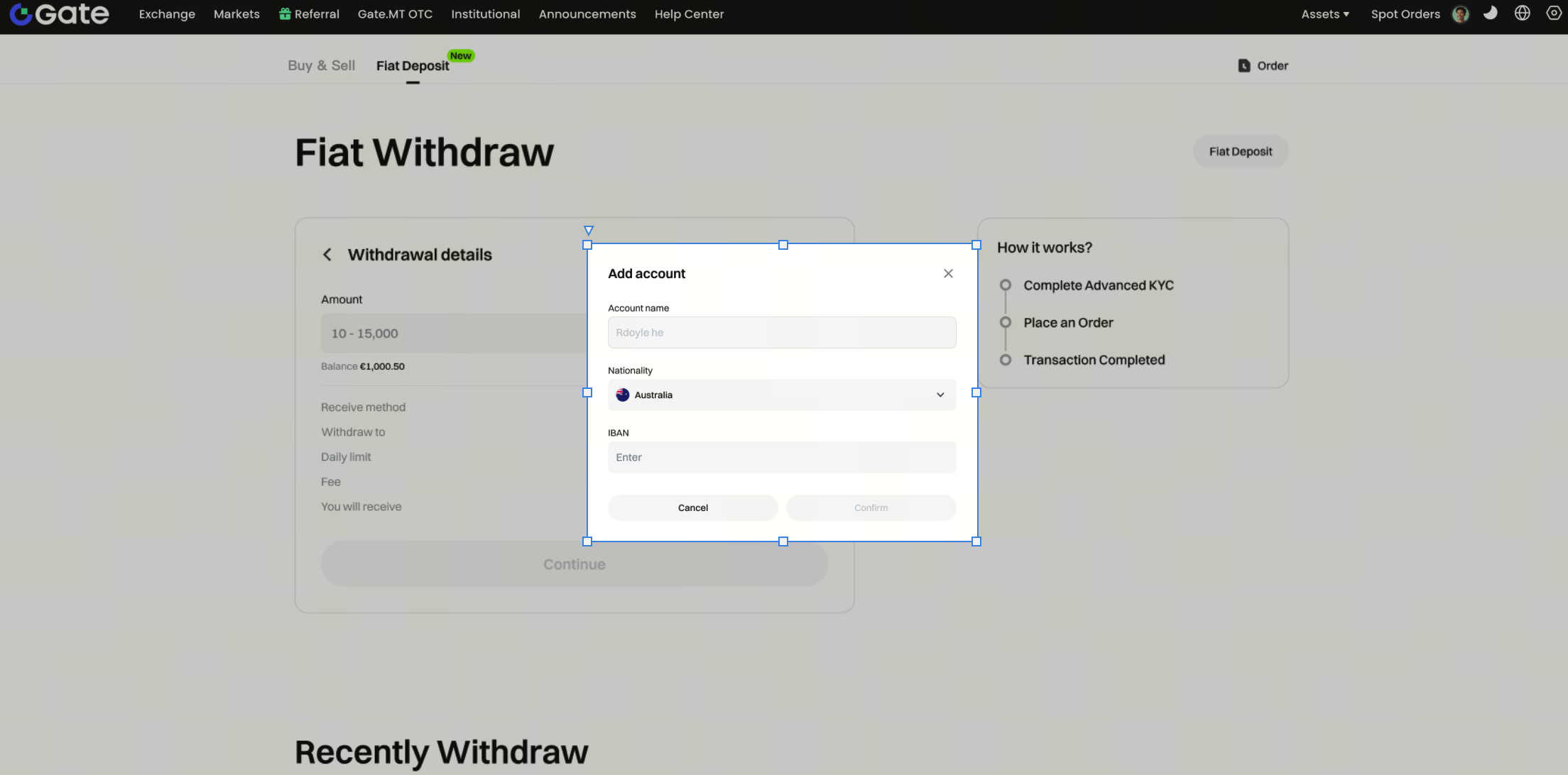
Step 3: : Enter the amount of fiat currency you want to withdraw. Click [Bind Bank IBAN]. Select the country where the bank IBAN is located. Enter the bank IBAN that matches your identity verification name, and click [Continue].
Step 4: : Fiat currency withdrawal application successfully. Due to differences in payment methods and withdrawal initiation times, the arrival time of your fiat currency withdrawal may vary. Please refer to the bank's arrival time for the exact time.